Apple device management, Dubai and the UAE
Apple device management in Dubai: the Macs are usually the part nobody is managing.
Bring Macs and iPhones into the same management and evidence model as everything else. We deploy, manage and support Apple estates across the UAE.
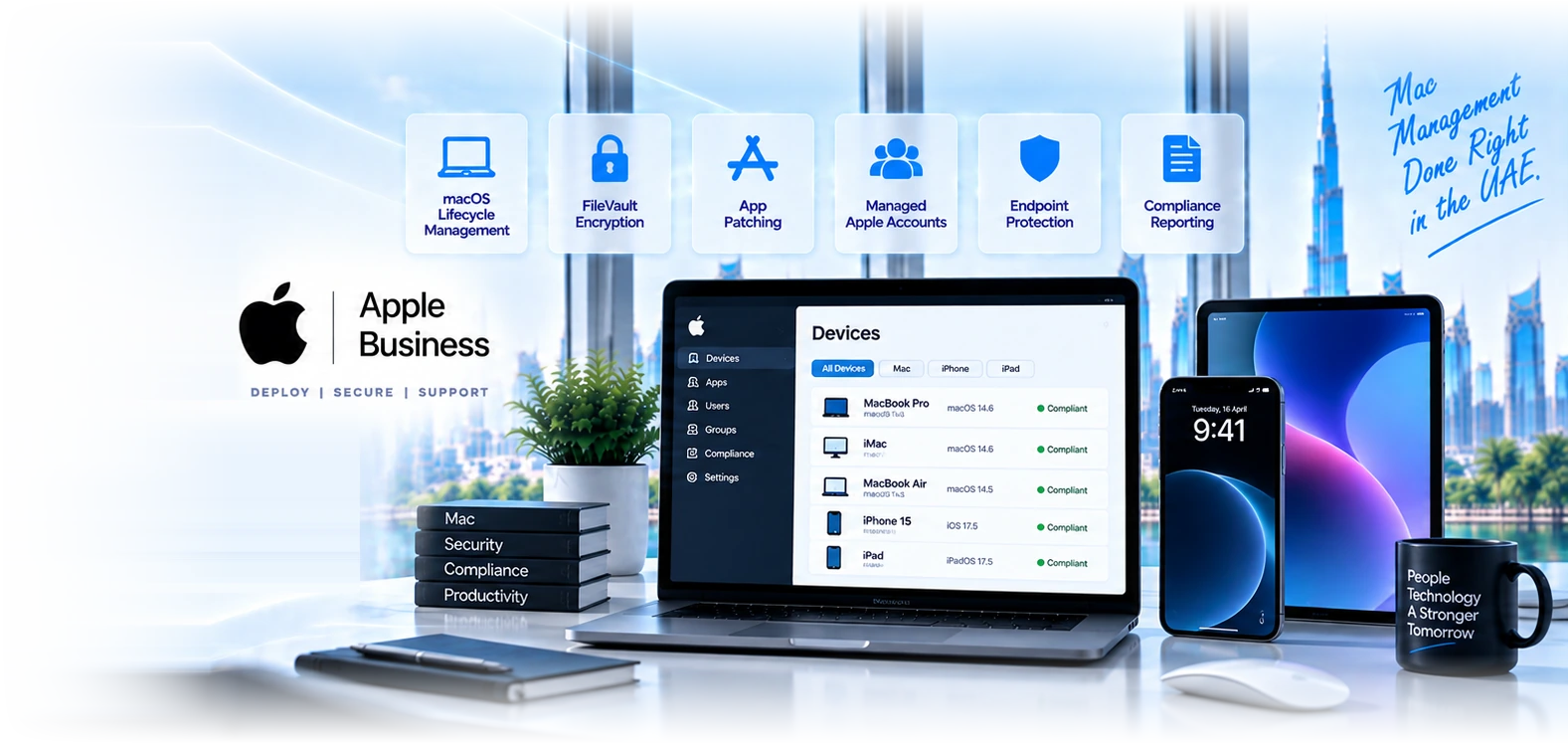
Six disciplines, most of which nobody is currently doing.
The annual macOS release, handled deliberately
Apple ships a major operating system every September and users update the moment they see the notification, whether or not your applications are ready. A managed estate defers the upgrade until it has been tested, then releases it in waves. An unmanaged one spends a fortnight discovering which line-of-business application broke. This single rhythm is the clearest practical difference between the two.
Encryption with keys you can actually recover
FileVault enforced across every Mac with recovery keys escrowed centrally. The failure mode we find repeatedly is encryption enabled with the key held only by the user, which satisfies a policy checkbox and provides no recovery route whatsoever when somebody forgets a password or leaves without handing anything over.
Patching the applications, not just the OS
Operating system updates get attention because they nag. Chrome, Zoom, Adobe, Slack and the rest quietly fall years behind, and that is where the exploitable vulnerabilities usually sit. Third-party Mac application patching is the most commonly missing control in Apple estates and the one auditors increasingly ask about specifically.
Identity that matches the rest of the business
Managed Apple Accounts owned by the organisation and federated to Microsoft Entra, so staff sign in with the credentials they already have and offboarding is one action rather than two. Personal Apple IDs on company devices mean company data syncing to personal iCloud and Activation Lock tied to an account you cannot administer.
Endpoint protection on the Macs
The belief that Macs do not need endpoint protection is roughly a decade out of date, and it persists most strongly in exactly the creative and executive populations holding the most sensitive material. Defender for Endpoint on macOS or Jamf Protect, feeding the same console and the same compliance decision as the rest of the fleet.
Apple in the compliance evidence
Encryption state, patch currency, protection coverage and offboarding records for Apple devices in the same pack as Windows. A fleet compliance report that silently excludes the Macs is not a fleet report, and for DFSA, ADGM and healthcare clients that omission is a finding waiting to be made.
Apple ships a new operating system every year and your users install it before you do.
This is the most predictable IT event in the calendar and the one most UAE businesses are least prepared for. It happens at the same time every year, it affects every Mac and iPhone in the company, and in an unmanaged estate it arrives as a surprise.
- On an unmanaged Mac, the user sees the update prompt and installs it. If your VPN client, your accounting package, your design software or a driver is not yet compatible, that person cannot work and neither can everyone else who followed them. The support load lands in the same week for the same reason and nobody can roll it back easily.
- On a managed estate, upgrades are deferred by policy before Apple ships. You test against your actual applications, confirm your critical software vendors have released compatible versions, then release the upgrade in waves with a deadline. The users get the new OS a few weeks later than they would have and nothing breaks.
- The same applies to iOS, and it matters most where an iPhone or iPad is running an operational process such as point of sale, proof of delivery, or a clinical workflow, because there the incompatibility stops revenue rather than inconveniencing an individual.
- Setting the deferral policy takes minutes once a management platform is in place. The reason it is worth mentioning so prominently is that it is entirely predictable, entirely preventable, and we are still called about it every October by businesses who did not know it could be controlled.
Four reasons Apple gets treated properly here.
We deploy both Intune and Jamf, so the advice is neutral
Most Apple specialists in this market sell one platform and every assessment reaches the same conclusion. We run both in production and have recommended Intune to organisations who approached us asking for Jamf. That costs us licence margin and it is why the recommendation is worth something.
Apple joins the existing estate rather than becoming a silo
The problem is rarely that Macs are unmanaged in isolation. It is that they sit outside the patching, reporting and evidence model covering everything else, so the organisation has two answers to every fleet question. We bring Apple into one picture with Windows.
September is planned, not endured
Our managed Apple clients have deferral policy set before Apple ships, testing done against their actual applications, and a wave plan. That is the difference between a controlled upgrade and a fortnight of support tickets, and it repeats every single year.
Built for the audit conversation
Encryption, patch currency, protection coverage and offboarding evidence for Apple produced as a by-product. For regulated clients, Macs being a documented exception is a finding waiting to happen, and closing it is usually why the project gets funded.
The Apple estate, piece by piece.
Start here, it is free
Apple Business costs nothing and is the prerequisite for everything else. Without it there is no zero-touch enrolment, no organisation-owned identity and no Activation Lock recovery, whichever MDM you choose.
- Apple BusinessThe foundation layer, and why where you buy a Mac decides whether you can ever manage it.
- Apple Business migrationWhat replaced Apple Business Manager in April 2026, what moved automatically, and what to verify.
- Zero-touch deploymentSealed box straight to the user, configured on first boot, and the purchasing rule it depends on.
- macOS managementThe Mac-specific disciplines: FileVault key escrow, admin rights, updates and the Rosetta deadline.
- iPhone and iPad managementRemoving company data from a phone you do not own, without touching anything personal.
Then choose the management platform
For most UAE businesses inside a Microsoft environment the answer is one they already pay for. Jamf earns its place on larger or Apple-first estates.
- Microsoft IntuneManages Macs and iPhones alongside Windows in one console, usually already in your licensing.
- Jamf ProThe specialist platform, with an honest view of the fifty to a hundred Mac crossover point.
- MDM solutions DubaiThe platform-agnostic view: enrolment models, BYOD, and getting staff to accept management.
- Jamf SchoolThe education build: classroom controls for teachers, a parent app, and filtering that follows the device home.
- Apple School ManagerThe education account layer, unaffected by the Apple Business changes, and what to check in yours.
- Jamf ProtectMac endpoint security, compared honestly against what Defender already gives you.
- Jamf ConnectOne password for the Mac and the cloud, and the arithmetic that says whether it is worth buying.
- Jamf Mobile ForensicsFormerly Executive Threat Protection. For the few people whose phone is genuinely a target.
- Jamf Now or Jamf ProWhich tier for a small UAE business, and the Intune option you may already be paying for.
Then secure and evidence it
An enrolled Mac that is not protected, not patched and not in your compliance reporting is inventory rather than security.
- Microsoft DefenderEndpoint protection on macOS feeding the same console as your Windows estate.
- Endpoint security DubaiThe wider endpoint practice across platforms, including where Macs actually sit in the risk picture.
- Microsoft EntraConditional access, so a non-compliant Mac is refused company data rather than merely reported.
- IT audit services DubaiWhere Apple omissions surface as findings, and what evidence closes them.
- Microsoft security DubaiThe full security stack, and what your existing licence already covers for Apple devices.
And run it over time
The recurring work that decides whether the estate is still managed in eighteen months.
Six UAE environments where this matters most.
Creative and production studios
Media City, d3 and Studio City businesses running entirely on Macs, usually with the largest Apple estate and the least management of any sector we work in.
Executive and leadership fleets
A handful of MacBooks and iPhones holding board papers and financial information, inside an otherwise well-managed Windows business. Small population, disproportionate exposure.
Retail with iPad point of sale
Devices locked to a single application, shared across shifts, reset between users, and recoverable when one leaves a store without permission.
Clinics with iPad workflows
Patient-facing and clinical iPads needing encryption, restricted application installation and evidence for the health authority.
Schools and training providers
Shared iPad deployments where several students use one device with their own data, plus content filtering obligations.
Field and logistics operations
iPhones and iPads used for proof of delivery, inspection and field service, often running a bespoke application distributed through Apple Business.
Four steps, and the first one is usually revealing.
- 1
Estate discovery
Week 1
Every Apple device, who holds it, where it was bought, whether it is on a personal Apple ID, whether Activation Lock is enabled, and what state encryption and patching are in. This inventory almost never exists at the start, and assembling it usually changes the client view of the problem.
- 2
Foundation and platform
Week 1 to 3
Apple Business set up and reseller-linked, Managed Apple Accounts federated to Entra, and devices assigned to the chosen MDM. Platform decision made on evidence rather than preference, and for many clients the answer is the Intune licence they already hold.
- 3
Secure and enrol
Week 2 to 5
Configuration profiles, FileVault with escrowed keys, endpoint protection deployed, compliance policies feeding conditional access, application deployment, and patch policies covering third-party Mac software rather than the operating system alone.
- 4
Steady state, including every September
Ongoing
New devices arriving zero-touch, patching on a schedule, compliance reporting alongside Windows, offboarding that completes automatically, and the annual macOS release tested and released in waves rather than arriving unannounced.
“Our whole studio is Mac and we had no management at all, which nobody thought was strange until an insurer asked how our devices were encrypted. GR found that a third of the machines had FileVault off entirely and two had recovery keys only the designers knew. What I appreciated was being told we did not need Jamf at our size and that the Intune licence we already paid for would cover it.”
What UAE businesses ask about managing Macs and iPhones.
Twelve questions you can answer about Windows and probably not about Apple.
Do you know what you have
- How many Macs, iPhones and iPads are in the business?If the number comes from memory rather than a system, that is the finding.
- Do you have an Apple Business account?It is free. The usual answer is no, or yes and nobody has signed in for two years.
- Is your Apple reseller linked to it?Without this, every future purchase is another unmanageable device.
- Are staff signed in with personal Apple IDs?Company data under a personal account leaves when they do.
Are they actually secured
- Is FileVault on every Mac, with keys you can retrieve?Encryption with a user-held-only key fails both audit and recovery.
- Is there endpoint protection on the Macs?The idea that Macs do not need it is about a decade out of date.
- Who patches third-party Mac applications?Usually nobody. This is where the exploitable vulnerabilities accumulate.
- Would a non-compliant Mac be refused company data?If not, device management is inventory rather than a control.
What happens when things change
- What is your plan for the next macOS release?If the answer is "users will update", expect a support spike in October.
- Could you recover a MacBook from someone who left without sharing their password?Without ABM supervision, Activation Lock makes it unusable hardware.
- Do the Macs appear in your compliance reporting?A fleet report that excludes Apple is not a fleet report.
- Is there a documented Apple offboarding step?The Windows process usually exists. The Apple one usually does not.
The three pages most Apple buyers read next.
Apple Business
The free foundation. Set this up first, whichever management platform you eventually choose.
Microsoft Intune
The platform most UAE businesses already own, managing Macs and iPhones alongside Windows.
Jamf Pro
The specialist option, with an honest view of where the crossover from Intune actually sits.
Find out how many of your Macs are encrypted, patched and recoverable.
We inventory every Apple device, check FileVault state and key custody, patch currency, endpoint protection coverage, Apple ID ownership and Activation Lock exposure. You get the findings in writing. For a fair proportion of UAE businesses the fix uses licensing already paid for.
Related Services
Explore more solutions that work great with this service
iPhone and iPad Management
Remove company data from a phone you do not own
macOS Management Dubai
FileVault, admin rights, updates and the Rosetta deadline
Jamf Licensing UAE
Buy, renew and transfer Jamf licences from a Dubai partner
Apple School Manager UAE
The account layer under every school Apple deployment
Zero-Touch Deployment UAE
Sealed box to working device without IT touching it
Apple Business Migration
What replaced Apple Business Manager, and what to verify now
Jamf Protect UAE
macOS endpoint security, honestly compared with Defender
Jamf Connect UAE
One password for the Mac and your cloud identity