Jamf Pro, UAE
Jamf Pro Deployment and Support in Dubai and UAE
GR IT deploys and manages Jamf Pro for business Macs, iPhones and iPads in the UAE. We scope enrolment, application delivery, security policies and support, then test the configuration with your users before wider rollout.
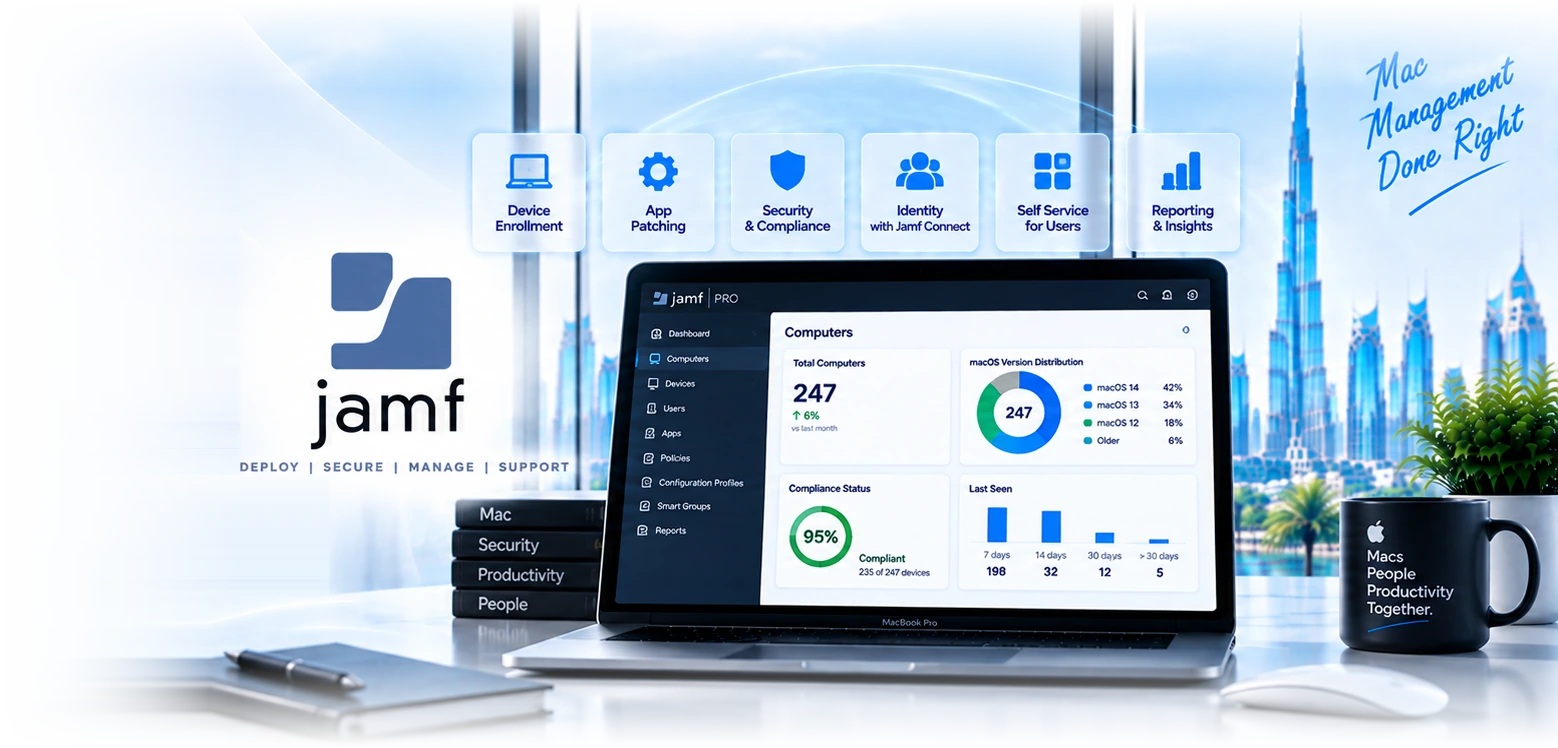
Eight areas where a specialist Apple platform pulls ahead.
Same-day support for new macOS and iOS releases
Apple ships a major OS every September and users update whether or not IT is ready. Jamf typically supports new releases and their management capabilities on or near release day, including the ability to defer or block upgrades until you have tested. For a Mac-heavy business this single characteristic prevents an annual fortnight of firefighting, and it is the most concrete operational difference from the alternatives.
Third-party Mac application patching
Keeping Chrome, Zoom, Adobe, Slack and the rest current across a Mac fleet is genuinely hard without tooling built for it. Jamf provides patch definitions and automated deployment for a broad catalogue of Mac software, with staged rollout and reporting. This is where most Mac estates are quietly non-compliant, because operating system updates get attention and application versions do not.
Configuration depth and scripting
Full access to macOS configuration through profiles, scripts, extension attributes and Smart Groups that target devices dynamically based on any attribute you can measure. When a requirement cannot be met by a checkbox in a console, Jamf gives you a supported route to script it and report on the result, which is the difference between meeting a specific compliance requirement and explaining why you cannot.
Jamf Connect for identity
Aligns the local Mac account password with your cloud identity, so a user signs into the Mac with the same Entra or Okta credentials they use everywhere else, with password changes syncing rather than diverging. It solves a long-standing irritation on Macs in enterprise environments, where the local account password quietly drifts out of step with everything else.
Jamf Protect for endpoint security
Purpose-built macOS endpoint detection, behavioural monitoring and threat prevention, mapped to the MITRE framework and designed around how macOS actually works rather than ported from a Windows product. Worth evaluating against Defender for Endpoint on macOS, which is also capable, and the right choice depends on whether your security operations are Microsoft-centred.
FileVault, compliance and evidence
Encryption enforced with recovery keys escrowed where IT can retrieve them, compliance policies with automated remediation when a device drifts out of state, and reporting an auditor will accept. For DFSA, ADGM and healthcare clients this is the difference between Macs being in scope for compliance evidence and being a documented exception nobody wants to write.
Self Service for users
A branded catalogue where staff install approved applications, run sanctioned scripts and trigger fixes themselves without raising a ticket or holding administrative rights. This is where the visible support reduction comes from in most deployments, and it also removes the pressure to hand out admin rights that then never get taken back.
Jamf School and Shared iPad
For education clients, class and roster management, Apple Classroom integration, and Shared iPad so several students use one device each with their own account, data and settings. UAE schools and training providers rarely fund one device per student, which makes shared deployment the requirement rather than a compromise.
Choose the management platform around your Apple workflows.
Jamf and Intune address overlapping requirements with different operational models. We compare your applications, controls, integrations and available licences before recommending a platform.
- Intune can suit a mixed Windows and Apple fleet where its available controls meet the requirements. Verify the features and licences you already have before comparing the implementation and ongoing management work.
- Jamf can suit organisations needing specialist Apple workflows, application management or configuration capabilities. A demonstrated requirement and a tested pilot are more useful than a fixed device-count threshold.
- Jamf can manage Apple devices while Intune manages other platforms. Supported device compliance integration can connect Jamf with Microsoft access controls. Plan the licensing, operational ownership and testing for both services.
- The question we ask first is not how many Macs you have, it is what you cannot currently do that you need to. If there is no concrete gap, adding a platform adds cost and complexity for no gain, and we would rather tell you that than sell you a licence.
Four reasons this is a different conversation with us.
We deploy Intune as well, so we have no stake in the answer
Most Apple specialists in this market sell one platform and every assessment reaches the same conclusion. We run both in production and have recommended Intune over Jamf to organisations who came to us asking for Jamf. That only costs us a licence margin, and it produces clients who stay.
Apple joins your existing management, not a separate world
The problem in most UAE businesses is not that Macs are unmanaged in isolation, it is that they sit outside the reporting, patching and evidence model that covers everything else. We bring Apple into the same compliance picture as Windows, so an audit question about the fleet has one answer rather than two.
Built for the audit conversation from the start
Encryption state, patch currency, compliance drift and offboarding evidence for Apple devices in the same pack as everything else. For DFSA, ADGM and healthcare clients, Macs being a documented exception is a finding waiting to happen, and closing it is usually why the project is funded.
We run it afterwards, including every September
Apple ships a major OS annually and the estates that struggle are the ones where nobody planned for it. Managed Jamf includes testing the new release, setting deferral policy so users cannot jump ahead of your testing, and updating configuration profiles that Apple changed. That is the recurring work that determines whether the platform keeps delivering.
Six UAE environments where a specialist platform earns its cost.
Creative and production studios
Media City, d3 and Studio City businesses running entirely on Macs, often with heavy creative software that needs patching and licensing management.
Schools and universities
Shared iPad deployments, Apple Classroom, content filtering obligations, and roster management through Apple School Manager.
Clinics with iPad-based workflows
Patient-facing iPads and clinical Macs needing encryption, restricted app installation and evidence for the health authority.
Financial firms with Mac-using leadership
Small numbers of high-value devices holding regulated correspondence, where the compliance requirement is identical to the Windows fleet.
Retail with iPad point of sale
Kiosk-locked devices, shared across shifts, reset between users, and recoverable when a device goes missing from a store.
Technology companies and startups
Engineering teams issued Macs by default, often needing developer tooling, local administrative rights managed carefully, and rapid onboarding.
The Jamf range, and who each part is for.
| Product | What it does | Who it suits | Notes | |
|---|---|---|---|---|
| Jamf Pro | Full Apple device management: configuration, deployment, patching, Self Service, compliance | Businesses with a substantial Mac and iOS estate | The core product and the one most enquiries mean | |
| Jamf Now | Simplified management with a much smaller feature set | Very small estates with basic needs | Compare the required controls, licensing and support responsibilities. | |
| Jamf School | Class and roster management, Apple Classroom, Shared iPad | Schools, universities and training providers | Pairs with Apple School Manager rather than ABM | |
| Jamf Connect | Aligns the local Mac password with cloud identity, Entra or Okta | Anyone whose Mac users complain about password drift | Add-on, solves a specific and persistent irritation | |
| Jamf Protect | macOS endpoint detection, behavioural monitoring, threat prevention | Mac-heavy estates needing native macOS security | Evaluate against Defender for Endpoint on macOS | |
| Jamf Safe Internet | Content filtering and web threat protection | Education, and organisations with filtering obligations | Frequently a requirement in UAE schools |
Jamf Pro against Microsoft Intune for Apple devices.
| Feature | Jamf Pro | Microsoft Intune |
|---|---|---|
Day-one support for new macOS releases | Typically at release | Usually some lag |
Third-party Mac app patching | Broad built-in catalogue | Manual packaging or add-on |
macOS configuration depth | Deepest available | Covers mainstream needs |
Scripting and dynamic targeting | Extensive | More limited |
User self-service catalogue | Strong, branded | Company Portal, adequate |
Manages Windows devices too | ||
Single console for the whole fleet | Apple only | |
Already in your Microsoft licensing | Check subscription entitlements | |
Additional licence cost | Per device | Depends on existing licences |
Second skill set required | ||
Conditional access integration | Via Entra connector | Native |
Best fit | Mac-first or large Apple estate | Mixed fleet, Microsoft-centred |
Five steps from assessment to a managed Apple fleet.
- 1
Platform decision and estate discovery
Week 1
Inventory every Apple device, whether Apple Business exists and is linked to your reseller, personal versus Managed Apple Accounts, Activation Lock exposure, and the specific gaps driving the project. Output is a written recommendation, which is sometimes that Intune suffices.
- 2
Foundation: ABM and identity
Week 1 to 2
Apple Business configured and reseller-linked if not already, Managed Apple Accounts federated to Entra, and devices assigned to the Jamf MDM server. Skipping this makes everything afterwards manual, so it comes first regardless of platform.
- 3
Build and configure
Week 2 to 4
Jamf instance configured, directory integration, Smart Groups reflecting how your organisation actually splits, configuration profiles, FileVault with escrow, compliance policies, Self Service catalogue populated, and patch policies for the applications you actually run.
- 4
Pilot
Week 4 to 6
Fifteen to twenty users across different roles doing real work on real devices, including at least one person whose workflow is unusual, because that is where configuration problems surface. Enrolment, Self Service and patching all validated before anyone else is touched.
- 5
Rollout and steady state
Week 5 to 8
Phased by department, new devices arriving zero-touch through ABM, existing devices enrolled in waves. Then the ongoing rhythm: patch management, the annual macOS release cycle, compliance reporting alongside Windows, and offboarding.
“We are a Mac studio, about ninety machines, and every September was chaos because half the team would update the day Apple released and something would break. GR set up Jamf with deferral policies so nobody updates before we have tested, and the Self Service catalogue means designers install what they need without waiting for us. The part I did not expect was that they asked us twice whether we actually needed Jamf rather than Intune before we bought anything.”
What UAE businesses ask about Jamf.
Twelve questions before you buy any Apple management platform.
Do you need Jamf specifically
- Is Mac your primary platform, or a minority of the fleet?List the workflows and controls that the Apple fleet needs.
- Roughly how many Macs, and where is that number heading?Fleet size affects scope, but required capabilities and support capacity determine the platform fit.
- Did the September macOS release cause you problems last year?If yes, day-one support is a concrete rather than theoretical benefit.
- Do you need third-party Mac applications patched automatically?The most commonly underestimated gap in Mac estates.
- Is there a configuration requirement you currently cannot meet?A specific named gap is the strongest argument. No gap is a strong argument against.
Are you ready for either platform
- Is Apple Business set up and linked to your reseller?Check organisation verification, device eligibility and assignment before planning automated enrolment.
- Do you know how many Apple devices exist and who holds them?Most organisations cannot answer this for Apple, only for Windows.
- Are staff on personal Apple IDs?Review account ownership and application dependencies before changing the account model.
- Who will own the platform day to day?A second platform needs a second skill set, in-house or contracted.
Before anyone quotes you
- Are Macs currently in your compliance reporting at all?Usually not, and that omission is often the real driver for the project.
- Is FileVault enforced with keys you can recover?Encryption with a user-held-only key fails both audit and recovery.
- What happens today when a Mac user leaves?If the honest answer is nothing reliable, that is the first thing to fix.
Related services and official guidance.
Apple Business
Organisation device assignment and enrolment preparation for company-owned Apple devices.
Microsoft Intune
The alternative, and for many UAE businesses the better one. Manages Macs and iPhones alongside Windows in one console.
Endpoint security Dubai
Protection across the fleet, including the Macs, mapped to the same compliance evidence as everything else.
Apple device management migration
Apple's planning guidance for supported migration methods and dependencies.
Jamf compliance with Microsoft Entra ID
Microsoft's requirements for Jamf device compliance integration.
Find out whether you need Jamf, or whether you already own the answer.
We inventory the Apple estate, check what Apple Business and Intune already give you, and identify the specific gaps that would justify a specialist platform. You get a written recommendation, and a fair proportion of them conclude that Intune is sufficient.
Related Services
Explore more solutions that work great with this service
Jamf or Intune for macOS
Requirements first, then a trial on real devices
Jamf Licensing UAE
Buy, renew and transfer Jamf licences from a Dubai partner
Apple Declarative Management
Autonomous update enforcement, and what happens at the deadline
macOS Management Dubai
FileVault, admin rights, updates and the Rosetta deadline
Apple Business Migration
What replaced Apple Business Manager, and what to verify now
Jamf Protect UAE
macOS endpoint security, honestly compared with Defender
Jamf Connect UAE
One password for the Mac and your cloud identity
Jamf School UAE
Apple device management built for schools and classrooms