Microsoft Entra
Microsoft Entra ID Implementation and Support in UAE
Secure, govern and manage your identities, access and applications with expert support from our certified team.
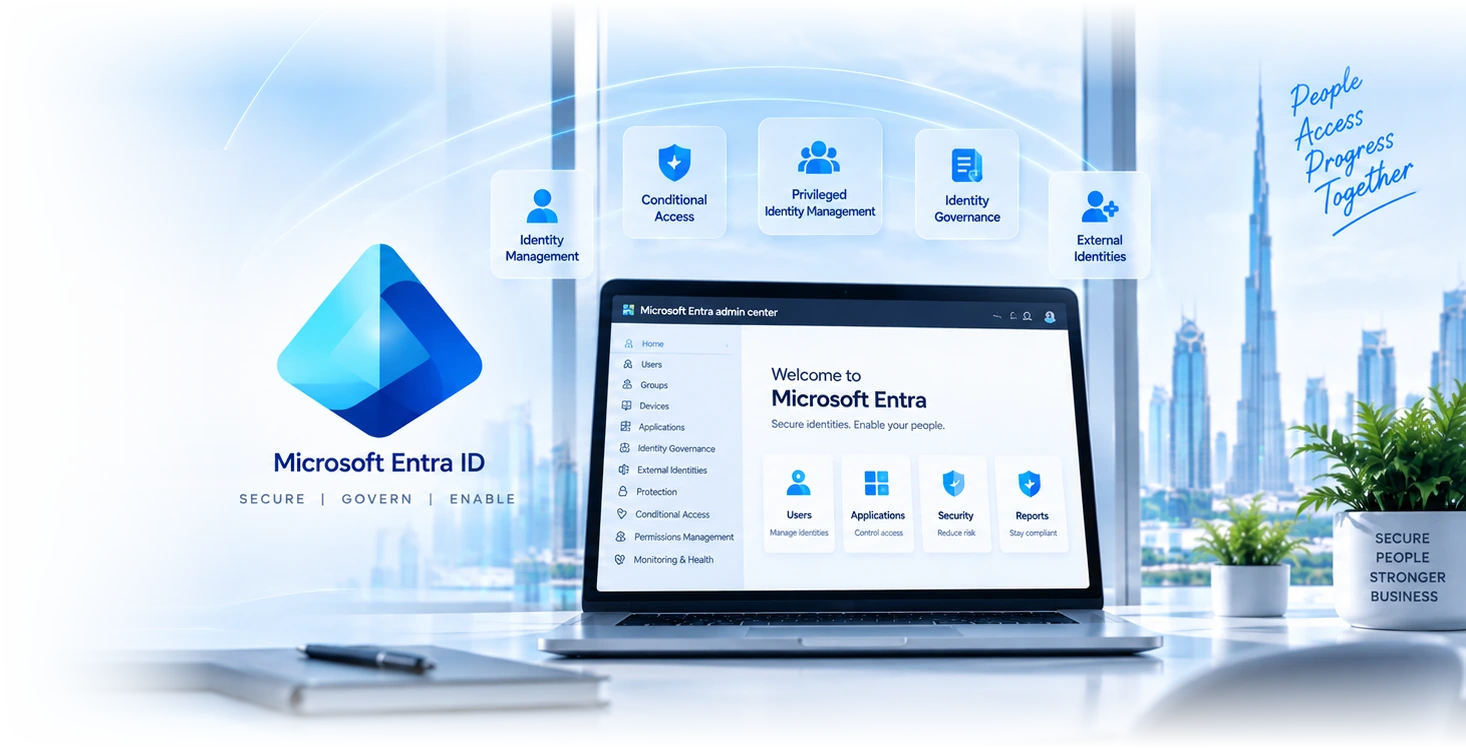

Six identity disciplines, one platform.
Entra ID (formerly AAD)
Cloud identity for users, devices, and applications. SSO across SaaS, M365, custom apps. Hybrid sync with on-prem AD where you still have it.
MFA + passwordless
MFA enforcement across users, with risk-based step-up and passwordless options (Authenticator, FIDO2 keys, Windows Hello). Reduces phishing exposure and password reset volume.
Conditional access
Policy engine that evaluates user, device, location, and risk for every sign-in. Block, require MFA, or require compliant device based on context, not just credentials.
Privileged Identity Management
Just-in-time admin elevation, time-bound role assignments, approval workflows, audit logs. Removes standing-admin from the breach blast radius.
Entra ID Governance
Access reviews, lifecycle workflows, entitlement management. Joiner-mover-leaver automation, periodic access certifications, regulator-ready evidence of who has access to what.
External Identities
B2B collaboration with partners, B2C identity for customers, cross-tenant access policies. Secure external collaboration without distributing local accounts.
What each Entra tier actually gives you.
| Capability | Free | P1 | P2 | Who typically needs it | |
|---|---|---|---|---|---|
| Multi-factor authentication | Security defaults only | Full policy control | Full policy control | Everyone, without exception | |
| Conditional access | No | Yes | Yes | Anyone with data worth protecting | |
| Self-service password reset with writeback | Cloud only | Yes | Yes | Hybrid environments, cuts helpdesk volume | |
| Group-based licensing and dynamic groups | No | Yes | Yes | Anyone above about 30 users | |
| Identity Protection, risk-based policies | No | No | Yes | Regulated firms, anyone targeted | |
| Privileged Identity Management | No | No | Yes | Ten or more privileged accounts, or an auditor | |
| Access reviews | No | No | Yes | Anyone who must evidence access recertification | |
| Entitlement management, access packages | No | No | Yes | Heavy guest collaboration, project-based access | |
| Included in Business Premium | Yes | Yes | No | Most UAE SMEs land here | |
| Included in Microsoft 365 E5 | Yes | Yes | Yes | Mid-market and regulated |
Four reasons clients pick us for the deployment.
68+ Entra tenants
Pattern recognition matters. We have tuned conditional access for SMEs, regulated firms, and multi-tenant deployments without locking users out.
Zero-trust by default
Conditional access designed around device compliance, MFA, and risk signals from day one. Not "open until something breaks" then retrofit.
Audit-ready evidence
ISO 27001, NESA, DFSA reviews answered with Entra audit logs, configuration history, and access-review evidence. Compliance-ready by default.
Dubai-based engineers
Senior identity engineers based in Dubai with CISSP and Entra certifications. Same team that deploys operates and supports.
MFA is on and the tenant still got compromised.
This is now the most common identity incident we respond to in the UAE, and it surprises people because they did the thing they were told to do. Multi-factor authentication is necessary and it is no longer sufficient on its own. Understanding why changes what you deploy.
- Adversary-in-the-middle phishing defeats ordinary MFA. The victim receives a convincing link, signs in on a proxy that relays every step to the real Microsoft login, approves the push notification themselves because they genuinely are signing in, and the attacker captures the resulting session token. No code was guessed and no password was cracked. The stolen token is then replayed and the attacker is inside with a valid session.
- The defences that actually work against it are phishing-resistant methods, FIDO2 security keys or Windows Hello for Business, which are bound to the real domain and simply will not authenticate against a proxy. Conditional access requiring a compliant or hybrid-joined device is the next best control, because a stolen token from an unmanaged machine then fails the device check.
- The second most common route is not phishing at all, it is legacy authentication. Protocols that predate modern authentication cannot present an MFA challenge, so an attacker who finds one enabled simply uses a valid username and password and is never asked for a second factor. Blocking legacy authentication is a single policy and it closes the entire category.
- The third is the standing exclusion group. Almost every tenant has one, created for a service account or an executive who found MFA inconvenient, and it grows quietly. Attackers do not need to defeat your MFA if there is a documented list of accounts exempt from it. Review that group today, and if it has more than break-glass accounts in it, that is where to start.
Entra deployments by sector.
Financial services
DIFC and ADGM-licensed firms using Entra ID Governance for regulator-required access certifications and PIM for privileged-access controls.
Healthcare
Hospitals and clinics using Entra for clinical-system SSO, role-based access to patient records, audit-trailed identity for DHA compliance.
Professional services
Law firms and consultancies using Entra for matter-based access, ethical-wall enforcement, partner external collaboration via B2B.
Tech and SaaS
SaaS companies using Entra as their primary identity platform, customer B2C identity, dev environment SSO, secrets-management integration.
Retail and multi-location
Multi-store retail using Entra for store-staff authentication, POS device compliance, supplier portal access via B2B.
Education
Schools and universities using Entra for student SSO, parent portal access, faculty privileged identity, exam-system access controls.
What Entra Premium adds over the free tier.
| Feature | Free Entra Included with M365 | Entra ID P1/P2 Licensed tier |
|---|---|---|
Cloud SSO | ||
Basic MFA | ||
Conditional access | ||
Privileged Identity Management | P2 | |
Identity Protection (risk signals) | P2 | |
Access reviews | P2 | |
Lifecycle workflows | P2 + Governance SKU |
From tenant assessment to managed identity operations.
- 1
Assessment
1-2 weeks
Tenant audit, current-state identity assessment, licence review, threat-model workshop. Output: identity-posture report and deployment plan.
- 2
Deployment
3-6 weeks
SSO, MFA, conditional access, PIM, access-review configuration. Phased rollout to minimise user impact, with help-desk preparation.
- 3
Validation
1-2 weeks
Penetration test against the deployment, simulated phishing, simulated MFA bypass attempts. Findings closed before steady-state.
- 4
Operate
Continuous
Quarterly access reviews, monthly identity reports, conditional-access tuning, audit evidence kept current. Same team that deployed operates.
“We deployed Entra P2 ourselves and locked half our users out within a week of enabling conditional access. GR IT rebuilt the policies based on actual user behaviour, restored access without weakening the controls, and our help-desk volume on identity issues dropped 70% in the next quarter. Tuning is the discipline; we did not have it.”
Microsoft Entra, frequently asked.
Twelve things to check in your tenant this week.
The ways in
- Is MFA enforced on every account, or only available?Available and enforced are different states. Check the actual policy, not the setting.
- Is legacy authentication blocked?It cannot enforce MFA. It is the single most abused path into a Microsoft tenant.
- Are administrators held to stronger requirements than staff?The accounts worth attacking should not have the same policy as everyone else.
- Is anything phishing-resistant deployed for admins?FIDO2 or Windows Hello. Push-notification MFA is defeated routinely by adversary-in-the-middle kits.
Who holds what
- How many accounts hold Global Administrator permanently?If the number surprises you, that is the finding. Microsoft guidance is a small handful.
- Do you have at least two break-glass accounts, excluded from policy and alerted on?Without these, one bad conditional access policy locks out the whole organisation.
- Are there active accounts belonging to people who have left?The most common finding in every tenant audit we run.
- When were guest accounts last reviewed?Guest lists grow for years and nobody owns them.
Whether anyone is watching
- Is conditional access a small deliberate set, or an accumulated pile?Twenty overlapping policies nobody can explain is worse than five that are understood.
- Has anyone looked at risky sign-ins this month?Identity Protection surfaces them. In most tenants nobody has opened it.
- Are sign-in and audit logs retained beyond the default?Default retention is short. After an incident you will want considerably more history.
- Do service accounts sit in a permanent MFA exclusion group?Almost always yes, and almost always undocumented. That group is a standing hole.
Resources for identity leads.
Microsoft Defender
Endpoint EDR, identity threat protection, email security, cloud-app DLP. Pairs with Entra for full identity-and-endpoint coverage.
Microsoft Sentinel
SIEM for identity telemetry, anomaly detection, automated response. Entra audit logs feed Sentinel for unified detection.
Cybersecurity audit
Independent identity posture audit. Conditional-access review, PIM gap analysis, written remediation programme.
Talk to an identity specialist.
Tell us about identity sources, applications, user groups and current access or recovery problems. We will confirm the requirements and proposed scope with you.
Related Services
Explore more solutions that work great with this service
Entra Verified ID
Portable credentials verified without calling you
Entra Access Reviews
Recurring recertification of groups, apps and roles
Entra Entitlement Management
Access packages that expire on their own
Entra ID P1 vs P2
What P2 genuinely adds, and what quietly moved
Entra Conditional Access
The control that decides who reaches your data
Access Rights Review
Certification that removes access, not one that gets approved
Shadow IT Discovery
Find the SaaS nobody sanctioned, without driving it underground
Active Directory Audit
Privilege paths, service accounts and local admin passwords
More related services
- Microsoft 365 Security Audit
- iPhone and iPad Management
- Jamf Connect UAE
- Microsoft Security Dubai
- Microsoft Defender
- Microsoft Sentinel
- Microsoft 365
- Cybersecurity Audit
- Privileged Identity Management
- Entra ID Governance
- Passwordless and Passkeys
- Tenant Security Baseline
- Cross-Tenant Collaboration
- Guest Access Governance