Microsoft SharePoint
Microsoft SharePoint, designed by people who have read the permissions.
Plan, build and manage a SharePoint environment that is secure, structured and built for the way your team works.
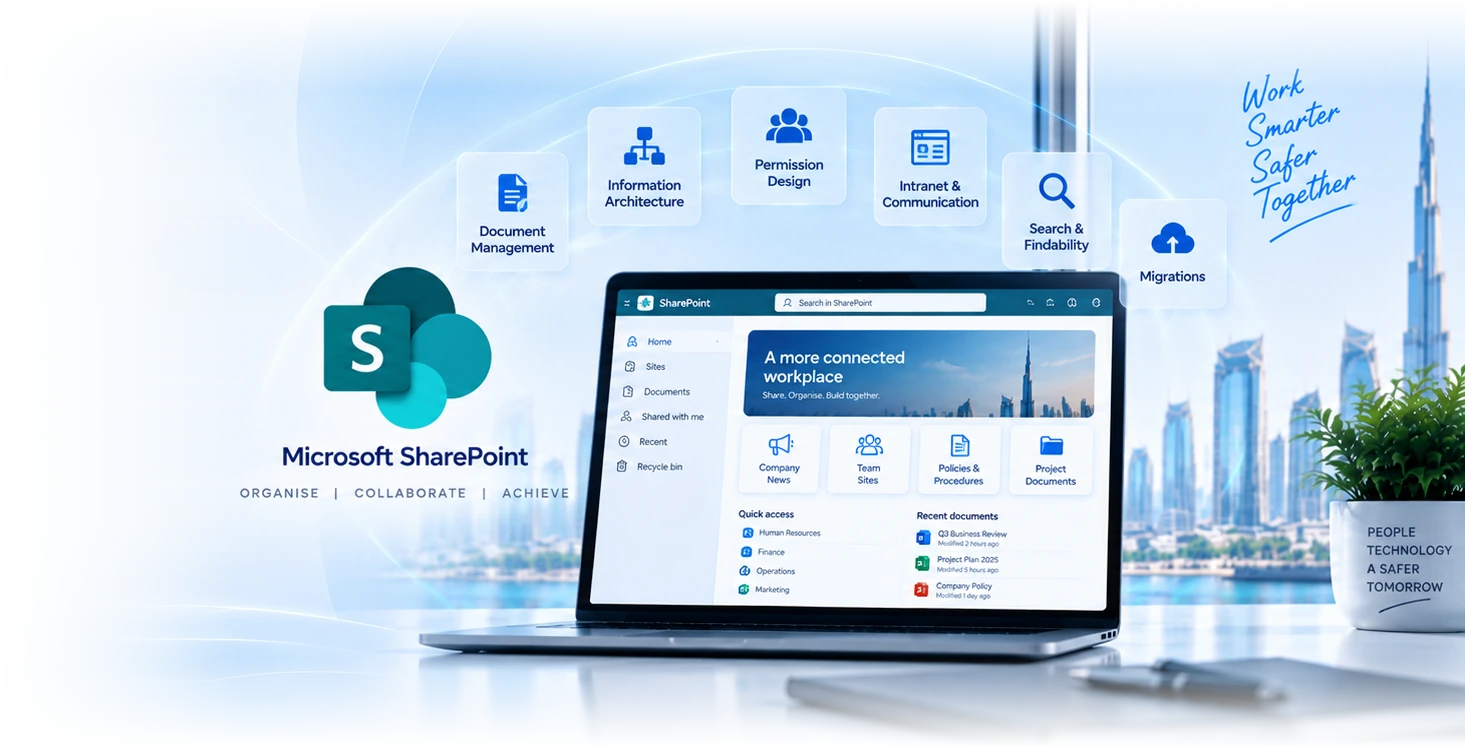

Six workstreams that turn SharePoint from a Wiki into a platform.
Information architecture
Hub-and-spoke site design, content-type taxonomy, navigation patterns, search-tuned metadata. Output: a site map your team can actually find content in.
Permission design
Least-privilege defaults, group-based access, sharing-policy enforcement, OverShare prevention. Permissions that scale beyond the first 50 users.
Document management
Version control, retention policies, approval workflows, sensitivity labels, automated classification. Documents discoverable and protected.
Intranet and comms
Communication sites, news, events, custom branding. SharePoint Online intranet platform tuned for engagement, not just publishing.
Search and findability
Managed metadata, custom search verticals, refiners, promoted results, search analytics. The platform that makes the content actually usable.
Migrations
File-share to SharePoint, OneDrive consolidation, Teams-SharePoint alignment, third-party platform migrations (Box, Dropbox, Google Drive). Zero data loss across cutovers.
Three feature pillars across content, security, and connectivity.
Powerful Content Features
Document management, team collaboration, intranet portals, and Power Platform workflow automation. Configured with the metadata, content types, and templates that make search work.
- Version control, check-in/out, co-authoring
- Metadata, content types, and tagging schema
- Team and communication sites
- Approval, notification, and routing workflows
- Custom intranet branding and personalised homepages
Enterprise-Grade Security
The full Microsoft 365 security stack applied to SharePoint: Entra ID, conditional access, IRM, DLP, sensitivity labels, retention policies, and granular permission models that hold up under audit.
- Entra ID integration with conditional access
- Information Rights Management (IRM)
- Data loss prevention (DLP) policies
- Sensitivity labels and retention policies
- eDiscovery, legal hold, and audit logs
- Role-based and item-level permissions
Seamlessly Connected
Native integration with the rest of Microsoft 365, plus Graph API and Logic Apps for the legacy systems your business cannot move off. Mobile experience built in.
- Microsoft Teams, Outlook, OneDrive, Power Platform
- Graph API and REST APIs for custom integrations
- Azure Logic Apps for enterprise workflows
- CRM / ERP and legacy-system connectors
- Native iOS / Android apps with offline access
Four reasons clients pick us for the deployment.
70+ SharePoint tenants
Pattern recognition matters. We have designed IA across legal, finance, healthcare, education. Common failure modes, common scaling traps.
IA-first deployments
Information architecture designed before any sites are built. Hub-spoke topology, navigation taxonomy, metadata schema. The discipline that determines whether the platform survives growth.
Permission discipline
Least-privilege defaults from day one. Group-based access, sharing policies, OverShare prevention. Permissions that hold up under audit and Copilot.
Dubai-based engineers
Senior SharePoint engineers based in Dubai. Same team that designs IA also runs migrations and provides ongoing administration.
SharePoint deployments by sector.
Professional services
Law firms, accountancies, consultancies. Matter-based site collections, document templates, ethical-wall enforcement, partner-portal client collaboration.
Financial services
DIFC and ADGM-licensed firms using SharePoint for regulated document management, audit-trail evidence, retention enforcement, regulator portals.
Healthcare
Hospitals, clinics, medical groups using SharePoint for clinical-policy documents, regulatory documentation, patient-portal back-end, secure forms processing.
Retail and operations
Retail and operations groups using SharePoint for store-ops procedures, supplier portals, executive dashboards, multi-store-content distribution.
Tech and SaaS
SaaS companies using SharePoint as their internal knowledge base, product documentation, customer-success libraries, governance-aware engineering wikis.
Education
Schools and universities using SharePoint for staff intranets, parent portals, faculty resources, student-facing knowledge bases.
Solutions clients deploy on SharePoint, by purpose and by industry.
Knowledge management
Centralised knowledge base with structured content, expertise discovery, and intelligent search across the organisation.
Project collaboration
Dedicated project workspaces with document libraries, task lists, milestones, and stakeholder collaboration.
Records management
Retention policies, legal holds, audit trails, eDiscovery support, and automated compliance reporting.
Employee onboarding
Onboarding checklists, training materials, automated provisioning, welcome sites, and progress tracking.
Contract management
Contract repository with approval workflows, expiration alerts, version control, and e-signature integration.
Departmental portals
Custom portals for HR, Finance, IT and other departments with tailored forms, lists, and resource libraries.
Healthcare records
Patient-record management, clinical-policy libraries, secure forms processing for HIPAA-aligned workflows.
Legal case management
Matter-based site collections, document templates, ethical-wall enforcement, and partner-portal collaboration.
Retail store operations
Centralised hub for store policies, training materials, supplier portals, and multi-location communications.
Why most clients move off file shares.
| Feature | On-prem file shares NTFS-based | SharePoint Online Cloud-native |
|---|---|---|
Search across content | Limited (Windows Search) | Native (full-text + metadata) |
Version control | Basic VSS or none | Built-in major/minor versioning |
Co-authoring | ||
Mobile access | VPN only | Native apps |
External collaboration | Manual VPN/share | Built-in B2B |
Retention and compliance | File-system level only | Policy-driven, label-aware |
Maintenance overhead | On-prem server fleet | Microsoft-managed |
What clients see after a properly architected SharePoint deployment.
Metadata + tuned search vs file-share fumbling.
Co-authoring and team sites replace email attachments.
Centralised sharing displaces attachment-heavy threads.
Single source of truth across teams.
Power Automate workflows over manual chasing.
Retention and DLP enforced, not optional.
Your SharePoint journey, phase by phase.
- 01Phase 1· 2-3 weeks
Discovery and Planning
Stakeholder interviews, current-state assessment, requirements gathering. We design the information architecture before anything else.
- Stakeholder workshops and content audit
- Information architecture design
- Governance framework and naming conventions
- Migration strategy with risk register
- 02Phase 2· 3-4 weeks
Design and Configuration
Sites, libraries, content types, metadata schema, and permission groups built per the design. Custom forms and workflows developed.
- Site hierarchy and document libraries
- Metadata and content-type configuration
- Permission structure with group-based access
- Custom forms, lists, and Power Automate flows
- 03Phase 3· 4-6 weeks
Migration and Integration
Content migrated in waves with ShareGate or Migration Manager. Microsoft 365 and third-party integrations stood up. Performance optimised.
- Content migration in waves with delta capture
- Microsoft 365 integrations (Teams, Outlook, OneDrive)
- Third-party / legacy-system integrations
- User provisioning, testing, and validation
- 04Phase 4· 2-3 weeks
Training and Adoption
End-user and admin training, documentation, change management, and adoption measurement. The platform only works if people use it.
- End-user training sessions and quick-reference guides
- Admin training and runbook documentation
- Change-management plan and comms
- Adoption baselines and KPI dashboard
- 05Phase 5· Ongoing
Go-Live and Support
Production cutover, ongoing user support, performance monitoring, usage analytics, and continuous improvement.
- Production deployment with rollback plan
- User support and incident response
- Performance monitoring and usage analytics
- Quarterly governance and feature reviews
From IA workshop to managed SharePoint operations.
- 1
Discovery
2-3 weeks
Workshops with stakeholders, content audit, current-platform assessment. Output: information-architecture design and migration plan.
- 2
Design
2-4 weeks
Site topology, content types, metadata schema, permission groups, navigation, search configuration. Reviewed and signed off before build.
- 3
Build and migrate
3-8 weeks
Sites deployed per the design, content migrated in waves, users onboarded by team. Search tuning happens after content is in place.
- 4
Operate
Continuous
Ongoing administration, permission reviews, content governance, search analytics, monthly health reports, quarterly governance review.
“We had 12 years of files on a single shared drive that nobody could navigate. GR IT spent four weeks designing the information architecture properly (matter-based site collections, document types, retention rules) before migrating a single file. The migration finished early, search actually works, and our team can find documents from 2017 they previously gave up on.”
Microsoft SharePoint, frequently asked.
Resources for SharePoint and content leads.
Microsoft Purview
Data-protection platform that governs SharePoint content. Sensitivity labels, DLP, retention, audit logging.
Microsoft Copilot
Copilot rollout that depends on healthy SharePoint IA and permissions. Most Copilot engagements include SharePoint preparation.
Microsoft 365
The platform SharePoint lives in. Tenant administration, identity, security baseline, and SharePoint operations as a single contract.
Talk to a SharePoint architect.
Tell us about document sources, user groups, information owners and desired collaboration workflows. We will confirm the requirements and proposed scope with you.
Related Services
Explore more solutions that work great with this service
Microsoft 365
Complete Microsoft 365 setup, migration & support
Microsoft Purview
Data governance and compliance solutions
Microsoft Copilot
AI-powered productivity with Copilot
M365 Administration
Expert Microsoft 365 tenant management
SharePoint Implementation
SharePoint Online intranet and document management