Copilot implementation partner, Dubai and UAE
Microsoft 365 Copilot deployment partner for Dubai and UAE businesses.
We have implemented Microsoft 365 Copilot in more than 40 tenants. Every project starts with the work that decides whether Copilot is safe and useful: SharePoint permissions, sensitivity labels and the use cases your teams will actually adopt. Then we deploy, train and measure.
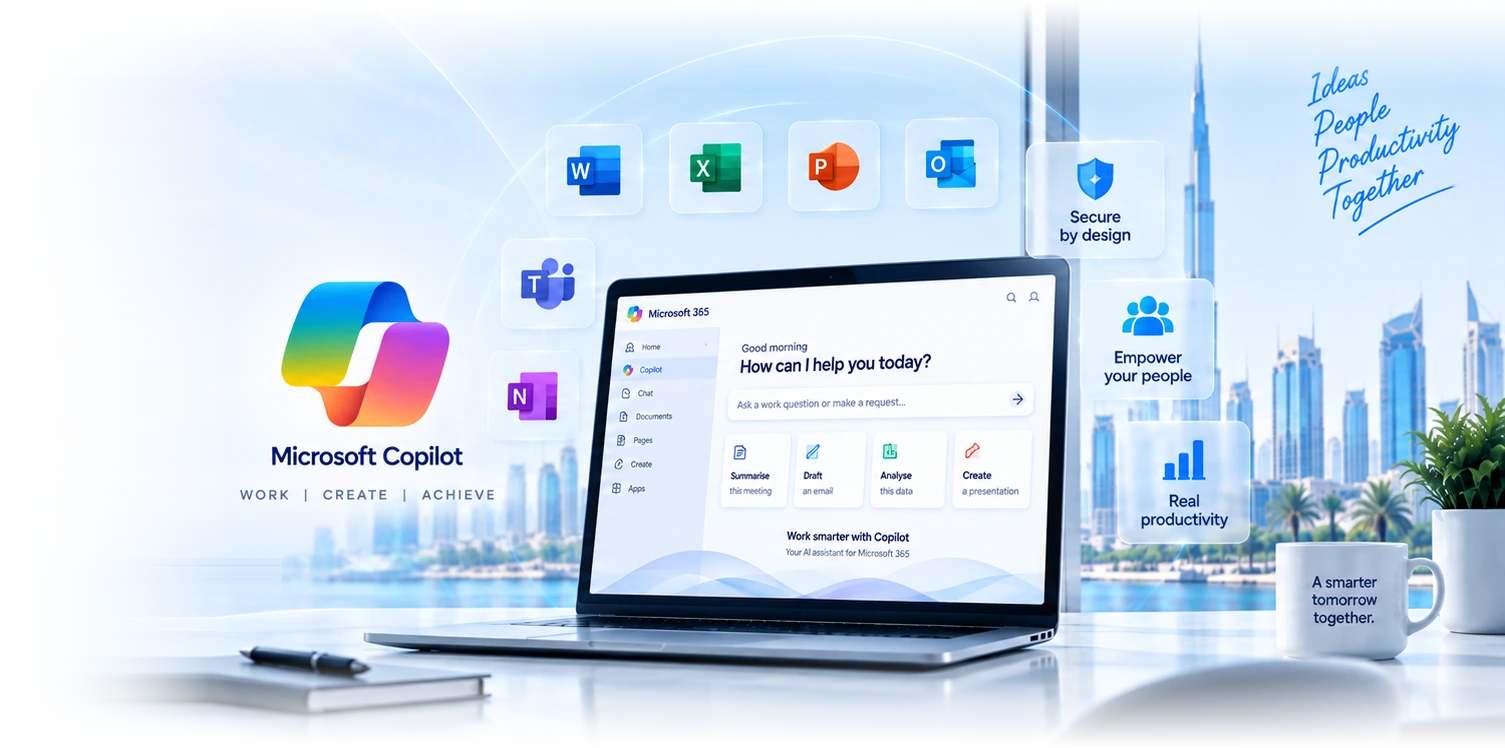

Six workstreams that turn Copilot from licence into productivity.
Data-protection baseline
Sensitivity labels deployed and enforced, DLP policies tightened, SharePoint permissions audited and remediated, OverShare prevention active before Copilot turns on.
Information protection
Copilot prompts and responses flow through Microsoft Purview. Sensitivity-labelled content stays labelled in responses. Audit logging captures every Copilot interaction.
Application enablement
Copilot rollout across Word, Excel, PowerPoint, Outlook, Teams, OneNote and Loop, with agents for company-specific knowledge where the value is high.
Adoption programme
Role-based training (executives, sales, ops, finance), recorded sessions for the team library, prompt-library development, monthly use-case workshops.
Usage analytics
Copilot Dashboard tracking, per-user adoption metrics, low-adoption flags trigger re-engagement. Adoption is measured not assumed.
Copilot Studio
Custom agents for specific business processes, grounded in your own content and governed by Power Platform data policies. See our Copilot Studio agents service.
Four reasons clients pick us for the rollout.
40+ Copilot tenants
Microsoft 365 Copilot implemented in more than 40 tenants, including construction and contracting companies. We know which workflows pay back the licence and which do not.
Data-protection first
Sensitivity labels, DLP, and SharePoint permissions audited and remediated before Copilot is enabled. OverShare incidents prevented, not cleaned up after.
Adoption measured
Role-based training, prompt libraries, monthly workshops. Usage tracked from week 1; low-adoption users get re-engagement, not just licences.
Dubai-based engineers
Senior Microsoft 365 engineers based in Business Bay, Dubai. The same team that deploys Copilot runs the adoption programme.
Copilot rollouts by sector.
Professional services
Law firms, accountancies, consultancies. Document drafting, research summaries, meeting recap, client-deck generation. Sensitivity labels enforce confidentiality.
Financial services
Analyst workflows, compliance memo drafting and executive summaries, with sensitivity labels and audit logging in place for regulated firms in DIFC, ADGM and onshore.
Healthcare administration
Healthcare admin and management offices using Copilot for clinical documentation, regulatory drafting, executive reporting. PHI protection enforced via Purview.
Construction and contracting
Tender and bid drafting, minutes from site and design meetings, method statement summaries, and finding the latest drawing register or contract clause across project sites in SharePoint.
Retail and operations
Retail and operations groups using Copilot for store-ops documentation, supplier-comms drafting, finance reporting, executive dashboards.
Education
Schools and education providers using Copilot for staff productivity, lesson-plan drafting, parent-communication generation, admin workflow automation.
Why Copilot needs deployment work, not just procurement.
| Feature | Buy licences only No deployment programme | Managed rollout Data-protection + adoption |
|---|---|---|
Sensitivity labels deployed | ||
SharePoint permission audit | ||
OverShare incidents When everyone can see everything, Copilot tells everyone everything. | Common | Prevented |
Audit trail of Copilot interactions | ||
Custom prompt libraries | ||
ROI on licence spend | Limited | Measurable |
From data-protection audit to measured adoption.
- 1
Readiness audit
2-3 weeks
Sensitivity-label posture, DLP rules, SharePoint permissions, OverShare risks. Output: gap report and remediation plan.
- 2
Data protection
3-6 weeks
Labels deployed, DLP policies tightened, SharePoint permissions remediated. OverShare risks closed before Copilot is enabled.
- 3
Rollout
2-4 weeks
Phased Copilot enablement by user group. Role-based training delivered, prompt libraries shared, day-1 office hours during cutover.
- 4
Adoption
Continuous
Usage analytics tracked, low-adoption users re-engaged, monthly use-case workshops, quarterly ROI review.
Microsoft Copilot, frequently asked.
Resources for Copilot rollout leads.
Microsoft Purview
Data-protection platform that underpins Copilot governance. Sensitivity labels, DLP, audit logging, insider-risk management.
Copilot Studio agents
Custom agents for HR, IT, customer service and line-of-business processes, built and governed for UAE organisations.
Copilot in Business Central and Dynamics 365
Copilot and agents inside your ERP and CRM, including the data-movement setting for UAE-hosted environments.
Book a Copilot readiness call with our Microsoft 365 team.
Tell us about user roles, proposed use cases, Microsoft subscriptions and sensitive-information concerns. We will confirm the requirements and proposed scope with you.
Related Services
Explore more solutions that work great with this service
Copilot Studio Agents
Custom AI agents, built and governed
Dynamics 365 Copilot
Copilot and agents in Business Central and Dynamics 365
AI Data Security Posture
Copilot readiness and control of shadow AI use
Sensitivity Labels
Classification that travels with the file, and governs what Copilot sees
Microsoft Purview
Data governance and compliance solutions
Microsoft 365
Complete Microsoft 365 setup, migration & support
SharePoint
SharePoint intranet and document management
Security Copilot
Natural language to KQL, and the capacity you may already own