Phishing-resistant sign-in does not help if the attacker steals the session token afterwards.
Token theft sidesteps authentication entirely: the credential was never needed because a valid session was taken instead. Token protection binds the sign-in session token to the device it was issued on, so a stolen token cannot be replayed from anywhere else.
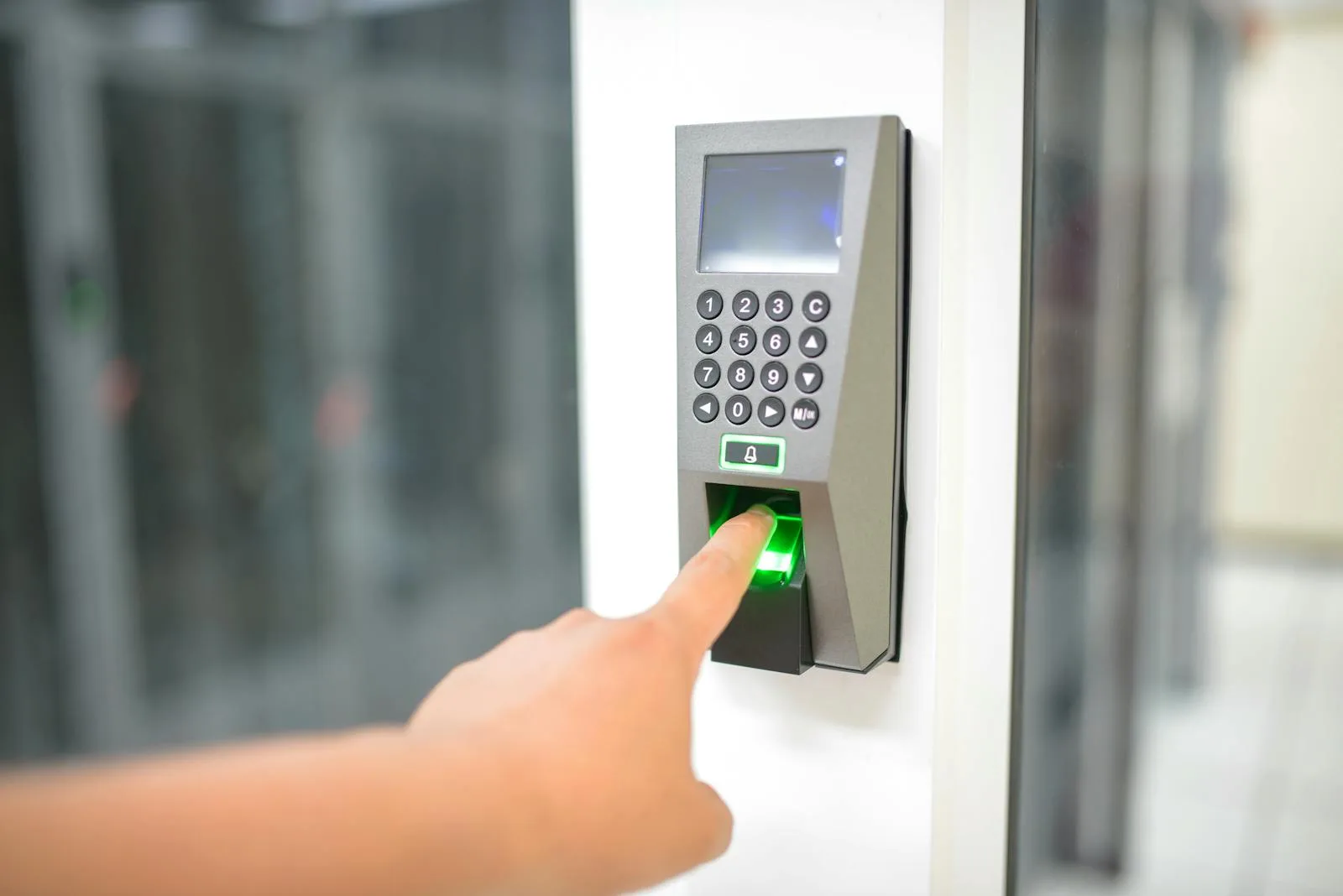
- Device boundTokens cryptographically tied to the device
- GA on WindowsFor native applications
- 3 workloadsExchange, SharePoint and Teams natively
- Report onlyThe mode Microsoft says to start in
Eight things to establish before you enforce it.
What the control actually enforces
It is a Conditional Access session control that reduces token replay attacks by ensuring only device bound sign-in session tokens, such as Primary Refresh Tokens, are accepted when applications request access to protected resources. The binding is cryptographic and tied to the registered device.
Why a stolen token stops being useful
When a user registers a supported device with Entra, a Primary Refresh Token is issued and cryptographically bound to that device. Microsoft states the binding ensures that even if a threat actor steals the token, it cannot be used from another device. That is the entire security benefit in one sentence.
Windows is the mature platform
For native applications on Windows, token protection is generally available. Supported devices are Windows 10 or newer that are Entra joined, Entra hybrid joined or Entra registered, and Windows Server 2019 or newer that are hybrid Entra joined. That covers most of a typical UAE corporate estate.
Which resources can be protected
For native applications, enforcement is supported on Exchange Online, SharePoint Online and Microsoft Teams. On Windows, enforcement is also supported for Azure Virtual Desktop and Windows 365. Anything outside that list is not covered by this control, whatever else your policy says.
Apple support is preview and has prerequisites
macOS 14.0 or later and iOS or iPadOS 16.0 or later, both in preview, both requiring the Microsoft Enterprise single sign-on plug-in, and both supporting only MDM-managed devices. On macOS, Platform SSO can be used as the alternative to the Enterprise SSO plug-in.
Browser coverage is narrow today
Browser-based application support is preview and limited to selected web apps, browsers and device configurations that access Azure Resource Manager, configured in Conditional Access as the Windows Azure Service Management API resource. On iOS and iPadOS, browser-based support is listed as not supported.
Report-only mode first, without exception
Microsoft explicitly recommends creating the policy in report-only mode before enforcing, capturing both interactive and non-interactive sign-in logs, and analysing them long enough to cover normal application use. Non-interactive is the half most teams forget, and it is where the surprises live.
It is one layer, not the answer
Microsoft frames token protection as part of a broader defence in depth strategy against token theft. Device compliance, phishing-resistant authentication, continuous access evaluation and endpoint detection all address different parts of the same problem. This one closes the replay-from-elsewhere path.
Report-only mode, and capture non-interactive sign-ins as well as interactive.
Microsoft lists this as a deployment recommendation and it is the difference between a smooth rollout and a morning of blocked users.
- The recommendation is explicit: start with a pilot group and expand over time, create the Conditional Access policy in report-only mode before enforcing token protection, capture both interactive and non-interactive sign-in logs, analyse them long enough to cover normal application use, and only then add known reliable users to an enforcement policy.
- Non-interactive sign-ins are the ones that catch people. Background token refreshes, service-to-service calls and app-initiated requests do not appear in the interactive log, and they are exactly the traffic that fails when a token is not device bound. Analysing only interactive sign-ins produces a confident and incomplete picture.
- Analysing long enough matters too. Application use has a rhythm: a month-end process, a quarterly reporting run, an application somebody only opens when a specific task comes up. A week of report-only data misses all three, and each is a candidate for an unexpected block.
- The other half of readiness is device state. Supported Windows devices must be Entra joined, hybrid joined or registered, and on Apple only MDM-managed devices are supported with the Enterprise SSO plug-in or Platform SSO in place. Devices outside those states are not partly covered, they are outside the control.
Four things that make this land without an incident.
We run report-only long enough to be meaningful
Microsoft recommends analysing logs long enough to cover normal application use. In practice that means a full cycle including month-end and any periodic process, not the week somebody had available. Shortening this phase is the single most common cause of a bad enforcement day.
We look at non-interactive sign-ins too
The deployment guidance says to capture both interactive and non-interactive sign-in logs, and the non-interactive half is where background refreshes and app-initiated requests live. Those are precisely the flows that break when a token is not device bound, and they are invisible in the interactive log.
We scope to what is genuinely supported
Windows native applications are generally available. Apple support is preview and requires MDM-managed devices with the Enterprise SSO plug-in or Platform SSO. Browser coverage is narrow and, on iOS and iPadOS, absent. Designing to the published matrix rather than the ambition avoids gaps you believe are closed.
We write down what it does not cover
Microsoft positions this as part of a broader defence in depth strategy against token theft, not as the whole answer. The genuinely useful deliverable is the boundary: which platforms, resources and access paths remain exposed, so the residual risk is a known quantity rather than an assumption.
Four phases across roughly six to eight weeks.
- 01Week 1
Establish device state and platform mix
Which devices are Entra joined, hybrid joined or registered, which Apple devices are MDM-managed with the Enterprise SSO plug-in or Platform SSO in place, and what proportion of access is browser-based. Devices outside a supported state are outside the control entirely.
- Device join state inventory across the estate
- Apple device management and SSO plug-in status confirmed
- Platform mix and browser dependency quantified
- Scope defined by what is genuinely supported today
- 02Weeks 2 to 5
Report-only, and let it run properly
The policy created in report-only mode, with both interactive and non-interactive sign-in logs captured. Left running long enough to cover a full cycle of normal application use, including month-end and any periodic process, rather than a convenient week.
- Report-only policy in place and logging
- Interactive and non-interactive sign-ins both captured
- Analysis covering a full application usage cycle
- Incompatible clients and flows identified with owners
- 03Week 6
Enforce for a known reliable group
Microsoft recommends adding known reliable users to the enforcement policy first. That means people whose access patterns are already understood from the report-only data and who will tell you promptly if something breaks rather than routing around it.
- Enforcement applied to a pilot population
- Support path defined and communicated
- Failures triaged against the report-only baseline
- Decision recorded on any exclusions
- 04Weeks 7 to 8
Broaden and document the boundaries
Extension across the estate, with the coverage boundary written down: which platforms, which resources, and which access paths this control does not touch. That boundary is the useful artefact when somebody later asks whether token theft is handled.
- Broad enforcement completed
- Coverage boundary documented explicitly
- Residual token theft exposure recorded
- Review point set for preview features reaching GA
Six situations where token theft is the live risk.
A firm that already deployed phishing-resistant MFA
Strong authentication raises the cost of credential theft, which pushes attackers toward stealing the session instead. Token protection is the natural next control for organisations that did the authentication work and want to close the path it left open rather than declare victory.
A business that has had a session hijacking incident
Where an investigation concluded that a valid token was used from an unfamiliar location without any authentication event, this is the control that addresses it directly. The binding means a stolen token cannot be used from another device, which is exactly the finding to respond to.
An organisation with a well-managed Windows estate
Token protection is generally available for native applications on Windows, and supported devices are Entra joined, hybrid joined or registered. An estate where that is already true can adopt this control quickly, which makes it unusually good value for the effort involved.
A company running Azure Virtual Desktop or Windows 365
Both are explicitly supported for enforcement on Windows. For organisations that moved user sessions into hosted desktops, protecting those sessions against token replay is a direct fit, and the device state requirements are usually already satisfied by the deployment model.
A business standardised on managed Apple devices
Apple support is preview and requires MDM-managed devices with the Microsoft Enterprise SSO plug-in, or Platform SSO on macOS 14.0 or later. Estates that already run those prerequisites can pilot meaningfully, while estates with unmanaged Macs cannot use the control at all.
An operator asked to evidence session security
Where an audit or a customer questionnaire asks specifically about session hijacking and token replay, having the control enforced on covered paths and the residual boundary documented is a far stronger answer than describing authentication controls that address a different attack.
How UAE organisations handle token theft.
| Feature | Token protection enforced | Strong authentication only | MFA and nothing further |
|---|---|---|---|
Credential phishing addressed | Yes | Yes | Partly |
Stolen token replayable elsewhere | No, on covered paths | Yes | Yes |
Session bound to device | Yes | No | No |
Device state required | Joined or registered | Not necessarily | No |
Coverage boundary documented | Yes | Not applicable | No |
Report-only analysis performed | Yes | Not applicable | No |
Non-interactive sign-ins reviewed | Yes | Rarely | No |
Works for unmanaged Apple devices | No, and known | Not applicable | Not applicable |
Residual exposure recorded | Yes | No | No |
Defensible answer on token theft | Yes | Partial | No |
What is generally available, what is preview, and what is not supported.
| Platform or resource | Status | |
|---|---|---|
| Windows, native applications | Generally available | |
| Windows, browser-based | Preview, supported web apps accessing Azure Resource Manager | |
| macOS, native applications | Preview, requires Enterprise SSO plug-in or Platform SSO | |
| macOS, browser-based | Preview, supported web apps accessing Azure Resource Manager | |
| iOS and iPadOS, native applications | Preview, requires Enterprise SSO plug-in | |
| iOS and iPadOS, browser-based | Not supported | |
| Exchange Online, SharePoint Online, Teams | Supported for native applications | |
| Azure Virtual Desktop and Windows 365 | Supported, Windows only | |
| Azure Resource Manager in a browser | Preview, as the Windows Azure Service Management API resource | |
| Apple devices not managed by MDM | Not supported |
Five steps, and the long one is deliberate.
- 1
Establish device state and platform coverage
Windows devices need to be Entra joined, hybrid joined or registered, and Windows Server 2019 or newer hybrid joined. Apple devices need to be MDM-managed with the Enterprise SSO plug-in or Platform SSO. Anything outside those states is outside the control rather than partly covered.
- 2
Scope to the supported resources
Exchange Online, SharePoint Online and Teams for native applications, plus Azure Virtual Desktop and Windows 365 on Windows. Browser coverage is preview and limited to selected web apps accessing Azure Resource Manager, and is not supported at all on iOS and iPadOS.
- 3
Deploy in report-only and capture both log types
The policy created in report-only mode, with interactive and non-interactive sign-in logs both captured. Analysis run long enough to cover normal application use, which in practice means through a month-end and any periodic process that only runs occasionally.
- 4
Enforce for a known reliable group first
Users whose access patterns are already understood from the report-only data, and who will report a problem rather than find a workaround. Failures triaged against the baseline so it is clear whether something genuinely broke or was always going to fail.
- 5
Broaden, and record the residual exposure
Enforcement extended across the estate, with the coverage boundary documented: which platforms, resources and access paths remain outside this control. Plus a review point, since Apple and browser support are preview and the boundary will move.
What organisations ask about token protection.
Fifteen questions to answer before enforcing.
Device state
- Are Windows devices Entra joined or registered?Hybrid joined also supported.
- Are any Windows Servers in scope?2019 or newer, hybrid joined.
- Are Apple devices MDM-managed?Only managed devices are supported.
- Is the Enterprise SSO plug-in deployed?Required on iOS, iPadOS and macOS.
- Is macOS on 14.0 or later?And iOS on 16.0 or later.
Coverage
- Which resources do we need protected?Exchange, SharePoint, Teams natively.
- Do we use Azure Virtual Desktop or Windows 365?Supported on Windows.
- How much access is browser-based?Coverage there is narrow.
- Do users work on iPhone or iPad browsers?Not supported.
- Are preview features acceptable to us?Apple support is preview.
Rollout
- Is the policy in report-only first?Microsoft says to do this.
- Are we capturing non-interactive sign-ins?The commonly missed half.
- Does the analysis cover month-end?A week of data is not a cycle.
- Who are our known reliable pilot users?They report rather than work around.
- Have break glass accounts been excluded?Verify it.
Check what proportion of your Windows devices are Entra joined, hybrid joined or registered.
That number is the ceiling on what token protection can reach, because devices outside those states cannot satisfy the control. It takes ten minutes and it tells you whether this is a quick win or a device project first.
Related Services
Explore more solutions that work great with this service
Continuous Access Evaluation
Sessions that stop when the condition changes
Phishing-Resistant MFA
The three methods that actually resist relay attacks
Entra Conditional Access
The control that decides who reaches your data
Authentication Strengths
Not all MFA is equal, and policy can say so
Intune Compliance Policies
The default that lets unassessed devices through Conditional Access
Apple Platform SSO
The Mac password and the company password, finally the same one
Microsoft Entra
Identity and access management solutions
Defender for Endpoint
Business, Plan 1 or Plan 2, and what each actually gives you