Jamf School, UAE
Jamf School: iPad management built around a timetable, not an IT department.
Empower teachers, engage students, and give parents peace of mind. We deploy and manage Jamf School for schools, nurseries and universities across the UAE.
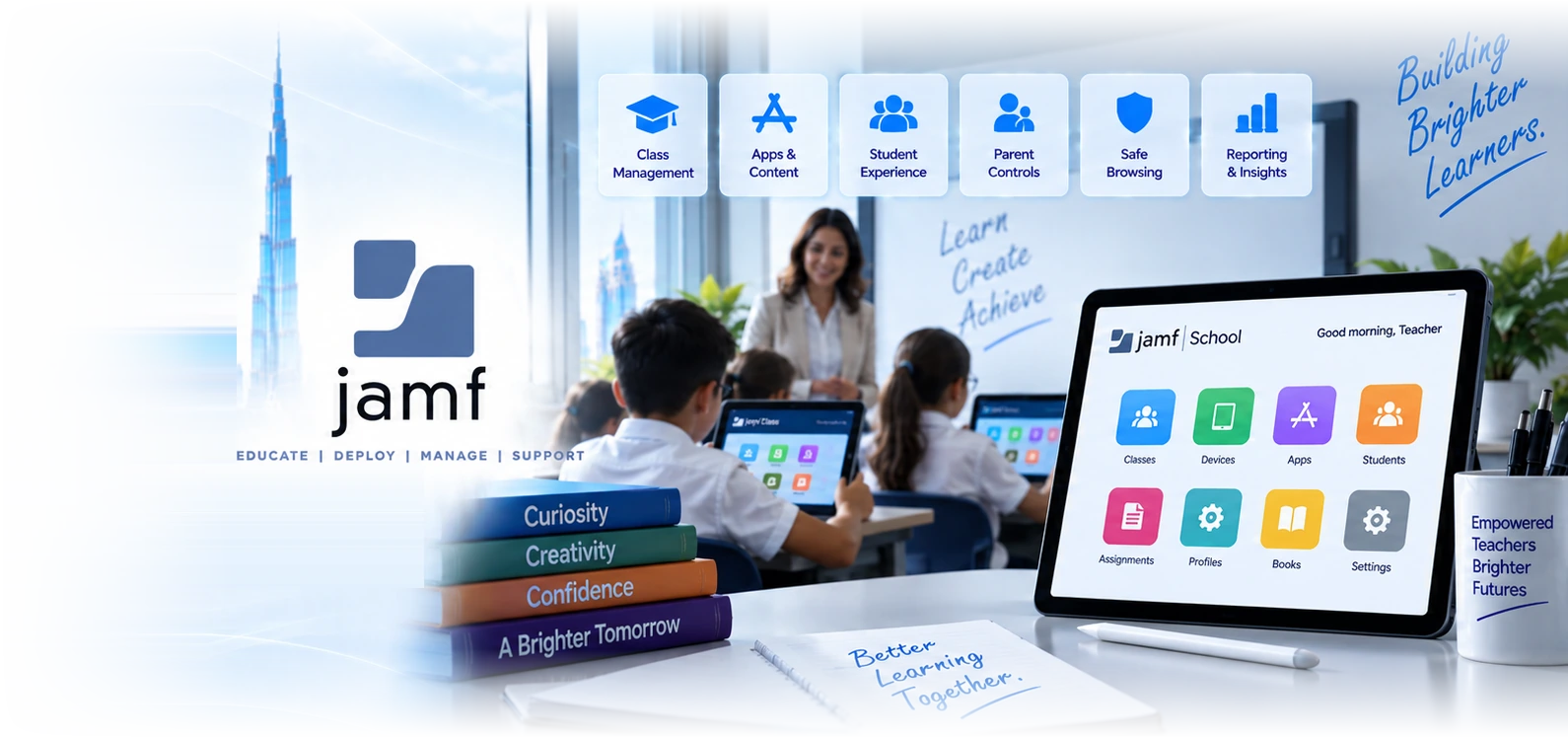
Eight things a school actually needs from device management.
Zero-touch deployment, so nobody unboxes 400 iPads by hand
Devices bought through an authorised reseller and registered to your organisation configure themselves on first power-on. Apps, restrictions, wallpaper, network profile and the correct class assignment all arrive before a student ever touches the device. The alternative, which we still find in UAE schools every August, is a technician working through trolleys of iPads one at a time while the term start date approaches. That approach does not scale and it does not survive a device being wiped in week three.
Jamf Teacher, so classroom control does not need a helpdesk ticket
Teachers get an app that lets them see what is on student screens, focus a class into one app, lock devices to get attention back, and clear restrictions at the end of a lesson. The important part is that none of this requires the IT team. A teacher who has to raise a ticket to stop a class drifting into a game will simply stop using the devices, and that is how a large tablet investment quietly becomes a cupboard full of tablets.
Jamf Student, so pupils have a defined and limited space
The student app gives pupils a restricted view of their own device: what they are allowed to install, what the current lesson expects, and what they can do themselves without asking. It sets an expectation rather than only enforcing a rule, which matters with older students who will otherwise treat every restriction as a puzzle to be solved.
Jamf Parent, so home use is a shared decision rather than an argument
Where a device goes home, parents can be given controlled ability to manage what happens outside school hours, within limits the school sets. This is as much a governance question as a technical one, and it is one UAE schools should decide deliberately: give parents too little and the school owns every evening complaint, give them too much and the safeguarding controls the school is accountable for can be switched off at home.
Jamf Assessment, for supervised examinations on student devices
Assessment gives a remote proctor a view of the student screen and camera during an exam, which is what makes device-based assessment defensible rather than merely convenient. If your curriculum body permits digital assessment, this is the control that turns a policy statement about exam integrity into something you can evidence.
App and content distribution tied to classes, not to individuals
Apps and books are bought once by the institution and assigned to classes, year groups or devices, then reclaimed and reassigned when a student leaves or moves up a year. Licences stay with the school rather than with a personal account, which is both a cost control and the thing that stops a leaving student walking away with content the school paid for.
Content filtering and safe browsing that follows the device home
School network filtering stops at the school gate. A managed device carries its policy with it, so the same protections apply on home broadband and on mobile data. For schools issuing one device per pupil this is not optional: the safeguarding obligation does not pause at three in the afternoon, and a filter that only works on the school SSID gives a false sense of coverage.
Role-based administration and Smart Groups for a real staff structure
A head of year, an IT technician, a librarian and a network manager should not all see the same console. Role-based administration lets you delegate what each role genuinely needs, and Smart Groups keep device membership current automatically as students change class, so nobody is maintaining spreadsheets of device serial numbers in September.
Most failed school iPad programmes were decided at purchase, not at deployment.
When a school device programme disappoints, the cause is almost never the management platform. It is a set of decisions taken before anyone opened the console, and they are difficult to reverse once four hundred devices are in circulation.
- Ownership was never settled. School-owned, family-purchased and bring-your-own devices need three genuinely different management models, and a school that mixes them without deciding which is which ends up applying the strictest policy to devices families paid for. That produces complaints the IT team cannot resolve, because the problem is a policy the school never wrote down.
- Devices were bought outside the enrolment programme. Apple devices need to be registered to your organisation at the point of purchase to enrol automatically. Buying from a general retailer because the price looked better means every device must be enrolled by hand, and a factory reset returns it to an unmanaged state permanently. We have seen this cost a UAE school more in technician time in one term than the purchase saving in the first place.
- Nobody asked the teachers. A control set designed purely for safeguarding, with no classroom tools, gets worked around within a month. Teachers need to be able to run a lesson without calling IT, and if they cannot, device use quietly drops to the point where the investment is impossible to justify at the next budget.
- The wireless network was never sized for it. Four hundred iPads syncing a large app update simultaneously is a genuinely different network load from thirty laptops browsing. We check this before deployment because the failure surfaces during the first week of term, in front of everybody, and gets blamed on the devices.
Four reasons an education deployment is not a corporate deployment.
We work to the academic calendar, not to our own
There is one realistic window to deploy or re-image a school estate, and it is the summer break. We plan backwards from the first day of term, which means device ordering, network work and the build all have deadlines set by the school year rather than by a project plan we invented. A deployment that slips into the first week of term is not a delayed project, it is a visible failure in front of every parent.
Safeguarding is a school decision that we implement, never one we make
The filtering position, what parents can control, whether devices go home and what happens to a device found with prohibited content are decisions for the school leadership and the designated safeguarding lead. Our job is to make the platform enforce those decisions reliably and to tell you clearly where a control does not do what the policy assumes it does.
We produce evidence a UAE inspection can use
KHDA in Dubai, ADEK in Abu Dhabi and SPEA in Sharjah all work to the UAE Unified Inspection Framework, and technology use forms part of what is looked at. We keep coverage, filtering and compliance reporting exportable so that when the question is asked you can answer it from a report rather than from memory.
Support that understands a lesson is happening right now
A device fault during a lesson is not a routine ticket, because thirty pupils are waiting. Our priority tiers reflect that: P1 within 5 minutes, P2 within 10, P3 within 30. Schools also get a named person who knows the estate rather than whoever answers, which matters when the question is about a specific year group profile rather than a generic fault.
Six UAE education settings and what each one actually needs.
A KHDA-regulated private school in Dubai
More than 200 private schools operate in Dubai across a wide range of curricula, and most now run some form of one-to-one or shared device programme. The usual requirement is a clean separation between year groups, filtering that holds when devices go home, and reporting that can be produced quickly when it is asked for. The usual constraint is a small IT team who cannot spend September doing manual enrolment.
An ADEK-licensed school in Abu Dhabi
Same platform, different inspection rhythm and often a larger campus footprint with more network complexity. We do more wireless design work in Abu Dhabi deployments than in Dubai ones, simply because the sites tend to be bigger, and a device programme on an undersized network fails in a way that looks like a device problem.
A nursery or early years setting
Small numbers of shared iPads, heavy restrictions, and a requirement that any staff member can pick up a device and have it work without configuration. The management need here is genuinely simple, and the value is almost entirely in devices resetting themselves cleanly between uses rather than in sophisticated policy.
A training institute or vocational centre
Short courses, high turnover of learners, and devices that must be wiped and rebuilt between cohorts on a tight turnaround. The requirement is speed of reset and reliable reassignment of app licences, because a cohort that starts on Sunday cannot wait for a manual rebuild that finishes on Tuesday.
A university or higher education faculty
This is where we often recommend against Jamf School. Universities usually have a substantial staff and lab Mac estate with real configuration depth, plus research requirements, and Jamf Pro is generally the better fit. Where a faculty runs a purely student iPad programme in isolation, Jamf School can still be the right answer for that programme alone.
A school running examinations on student devices
If assessment happens on the devices, the integrity controls have to be defensible rather than merely present. That means a locked assessment mode, proctor visibility where the curriculum body permits it, and an audit trail. Schools frequently underestimate this and discover the gap during the first digital exam session.
What we find when we assess a UAE school, and what changes.
| Feature | Managed and used | Managed but unused | Devices without management |
|---|---|---|---|
Devices configure themselves on delivery | |||
Teachers can control a class unaided | |||
Filtering applies away from school WiFi | Sometimes | ||
App licences recovered when a student leaves | Partly | ||
Factory reset returns the device to management | No, it leaves the estate | ||
Device use is visible in lesson planning | |||
Inspection evidence available on request | With effort | ||
Lost device can be located and locked | |||
Parents have a defined role at home | Yes, bounded | Undefined | Unbounded |
Programme survives the next budget review | Comfortably | Rarely | No |
Jamf School, Jamf Pro and Intune, judged for education.
| Jamf School | Jamf Pro | Microsoft Intune | |
|---|---|---|---|
| Built specifically for education | Yes, throughout | General purpose | General purpose |
| Teacher classroom control app | Jamf Teacher | Not included | Limited |
| Parent-facing app | Jamf Parent | No | No |
| Exam proctoring on device | Jamf Assessment | No | No |
| Depth of macOS management | Good for typical school use | The deepest available | Improving, still behind |
| Windows devices in the same console | No | No | Yes |
| Same-day support for new Apple releases | Yes | Yes | Usually delayed |
| Complexity for a small IT team | Lowest | Highest | Moderate |
| Fits a mixed Windows and Apple school | Apple side only | Apple side only | Yes, one console |
| Best for a primary school with shared iPads | Strongly | Overpowered | Workable, less pleasant |
| Best for a university with staff Macs | Often not enough | Usually the answer | If Microsoft-first |
Five stages, planned backwards from the first day of term.
- 1
Assessment and decisions, ideally two terms ahead
We review what you have, what you are buying, how the network will cope and which ownership model applies to each device group. The output is a written set of decisions for the school leadership to approve, covering safeguarding, parent involvement and home use. Nothing is ordered until those are settled, because they determine what gets ordered.
- 2
Procurement and enrolment registration
Devices are ordered through a channel that can register them to your organisation so they enrol automatically. We confirm this in writing with the supplier before the order is placed. Any devices you already own are assessed separately, since existing stock bought outside the programme may need a different and more manual approach.
- 3
Build during the break
Class structure, profiles, restrictions, app purchases and assignments are built and tested on real devices rather than only in the console. We test against an actual lesson plan where the school can give us one, because that finds the restriction that blocks something a teacher needs, which a console review never will.
- 4
Teacher enablement before pupils arrive
A short, practical session for teaching staff on the classroom tools, plus a one-page reference. This is the stage schools most often skip and most often regret, because a teacher who is not confident with the class controls will avoid the devices entirely rather than risk losing control of a lesson.
- 5
Term start support, then ongoing management
We staff the first days of term more heavily than the rest of the year, because that is when the queue forms. After that it moves to ongoing management: new device enrolment, leaver processing, app licence recovery, updates and periodic estate review, with a full re-check at a fixed point each year.
The awkward questions, answered directly.
Fifteen checks before the first day of term.
Settle before you buy
- Is the ownership model written down for each device group?School-owned, family-funded and bring-your-own need different policies and different consent.
- Are devices being purchased through a reseller who can register them to your organisation?The single most expensive mistake to correct later.
- Has the wireless network been sized for simultaneous device use?Density and client count, not just coverage.
- Do you have an accepted-use policy that parents have actually signed?Required if devices go home, and useful evidence at inspection.
- Has the safeguarding lead agreed the filtering position?IT should implement that decision, not make it.
Build during the summer window
- Class and year group structure imported and currentStale groups in September create a week of manual corrections.
- Apps purchased and assigned per year group rather than per pupilKeeps licences recoverable when students leave.
- Restriction profiles tested on a real device, not only in the consoleA profile that looks correct can still block something a lesson needs.
- Teacher app rolled out with a short training sessionThirty minutes here removes most of the first-term tickets.
- Charging, storage and trolley logistics decided per roomA management platform cannot solve a device that is flat.
Ready for week one
- A tested process for a lost, stolen or broken deviceIt will happen in the first fortnight. Decide now who does what.
- A named person who can reset a student device same dayEscalating every reset to an external supplier does not survive September.
- Spare devices configured and held readyA pupil without a device in a device-led lesson cannot take part.
- Reporting you can show an inspector on requestCoverage, filtering status and compliance, exportable.
- A defined point in the year when the whole estate is re-checkedDrift is guaranteed. Catching it deliberately is much cheaper than finding it.
If you are still deciding.
Apple device management in Dubai
The wider picture: how Apple estates are managed in UAE organisations, what the enrolment programme does, and how the pieces fit together.
Jamf Pro for UAE organisations
The platform comparison for corporate estates, including where Jamf sits against Intune for Mac management and when each one wins.
Mobile device management in Dubai
If you are managing a mixed estate rather than an Apple-only one, this covers the multi-platform position and how to avoid buying twice.
Tell us the term start date and we will plan backwards from it.
A short conversation about device numbers, ownership model and what your teachers need is enough for us to tell you whether Jamf School is the right platform for your school, or whether something else fits better. We would rather say so early than deploy the wrong thing well.
Related Services
Explore more solutions that work great with this service
Apple School Licensing UAE
What is free, what is licensed, and who buys it for schools
Jamf Licensing UAE
Buy, renew and transfer Jamf licences from a Dubai partner
Apple School Manager UAE
The account layer under every school Apple deployment
Apple Device Management
Mac and iPhone fleets, encryption, patching and the September cycle
Jamf Pro UAE
The specialist Apple management platform, and when it earns its place
Apple Business
The free account layer under every Apple deployment
MDM Solutions Dubai
Device management across Windows, Apple and Android
Jamf Protect UAE
macOS endpoint security, honestly compared with Defender