Microsoft Edge for Business
Microsoft Edge for Business, deployed with security baselines.
A secure, managed and productive browsing experience for your business, with expert support from our certified team.
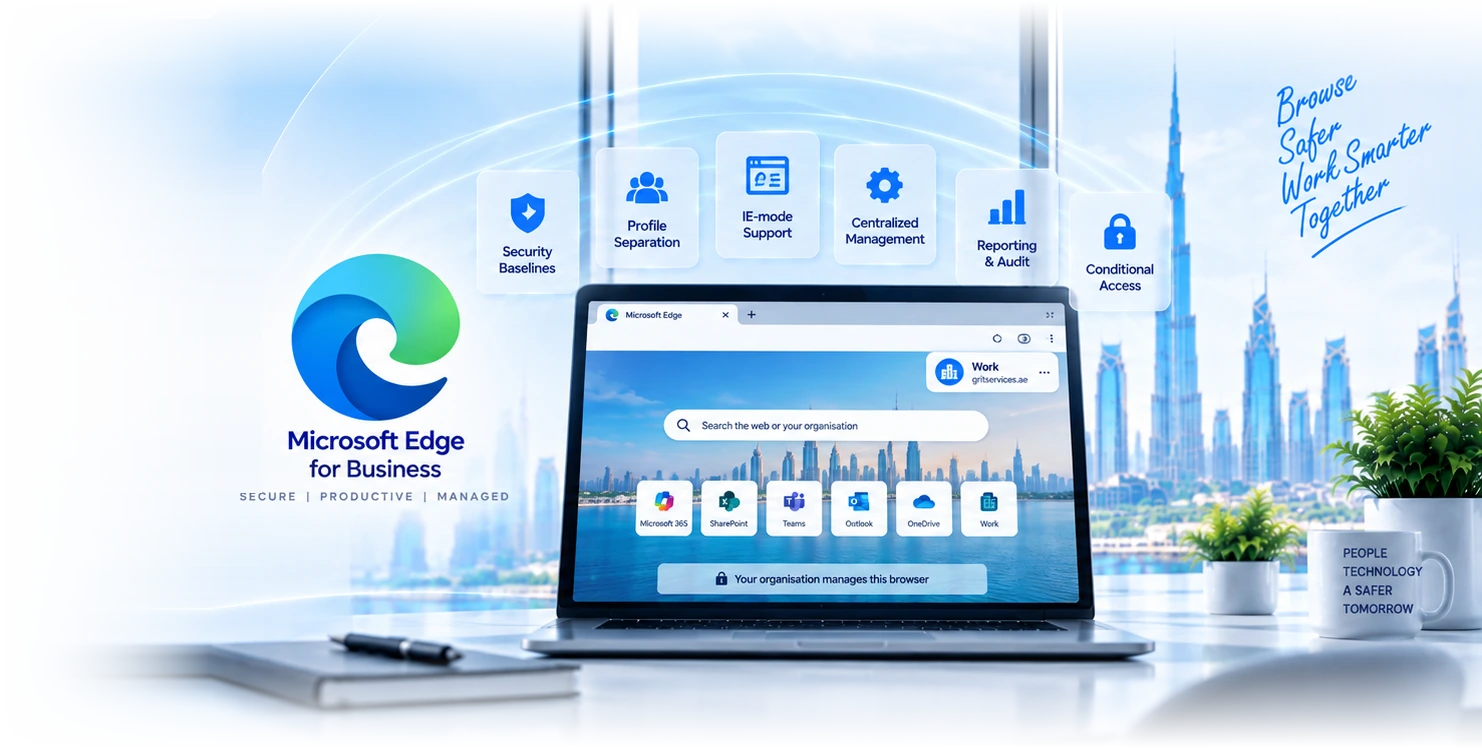

Six browser-deployment disciplines.
Edge deployment
Edge installed via Intune, ADMX templates, or Group Policy. Configuration profiles for default search, homepage, security defaults. Custom branding for managed environments.
Profile separation
Work profile (Entra ID-bound) and personal profile (MSA) separated automatically. Corporate browsing data, favorites, and history isolated from personal use.
Security baselines
Smart Screen, Application Guard, downloads protection, password manager, autofill controls. Baselines tuned to your security posture.
Conditional access integration
Edge participates in conditional-access policies, device-compliance enforcement, browser-based MFA. Compliant-device requirements honoured.
IE-mode coexistence
IE-mode deployment for legacy line-of-business apps that require IE rendering. IE-mode site list managed centrally, gradual migration to Edge-native rendering.
Reporting and audit
Edge usage analytics, policy-compliance reporting, IE-mode site list inventory. Audit-ready evidence for ISO 27001 A.12.6 and similar controls.
Four reasons clients pick us for the deployment.
60+ Edge tenants
Pattern recognition matters. We have deployed Edge across SMEs, regulated firms, and education. Common policy quirks, common IE-mode traps.
Security-baseline first
Microsoft security baselines applied with environment-specific tuning. Not "leave defaults" or "open everything"; baselines tested and documented.
IE-mode expertise
Many organisations still depend on legacy IE apps. We deploy IE-mode coexistence properly, manage the site list, and plan the migration to Edge-native rendering.
Dubai-based engineers
Senior engineers based in Dubai with Microsoft 365 and Edge certifications. Same team that deploys runs ongoing administration.
Edge deployments by sector.
Financial services
DIFC and ADGM-licensed firms using Edge with Application Guard for high-risk browsing, Defender Browser Protection, audit-ready browsing logs.
Healthcare
Hospitals and clinics using Edge with IE-mode for legacy clinical apps, sensitivity-label-aware downloads, PHI-aware browsing controls.
Professional services
Law firms and consultancies using Edge for ethical-wall-aware browsing, matter-based profile separation, secure client-portal access.
Tech and SaaS
SaaS companies using Edge for dev-environment access, internal-tool integration, secure SaaS browsing with conditional access.
Retail and operations
Retail groups using Edge for store kiosk-mode browsing, supplier-portal access, customer-facing display browsers.
Education
Schools and universities using Edge with content filtering, age-appropriate browsing controls, Kids Mode for primary education.
Why Edge wins in M365 environments.
| Feature | Chrome (enterprise) Google managed | Edge for Business Microsoft managed |
|---|---|---|
Native M365 integration | Add-on | Native |
Profile separation | Profile-based | Work/personal hard separation |
IE-mode coexistence | ||
Application Guard | ||
Defender SmartScreen integration | ||
Sensitivity-label awareness | Limited | Native |
Total cost (M365 environment) | Separate licence | Included with M365 |
From browser audit to managed Edge operations.
- 1
Browser audit
1 week
Current browser inventory, IE-mode dependency assessment, Group Policy review. Output: deployment plan and IE-mode site list.
- 2
Configure
1-2 weeks
Security baseline applied, IE-mode site list deployed, profile policies configured, conditional access integrated.
- 3
Deploy
2-3 weeks
Phased Edge rollout via Intune or Group Policy. Communication to end users, on-the-ground support during cutover.
- 4
Operate
Continuous
Ongoing IE-mode site list management, policy updates, monthly fleet review, IE-to-Edge migration planning.
“We had a legacy ERP that only worked in IE11, and Microsoft's IE end-of-life forced our hand. GR IT deployed Edge with IE-mode coexistence in three weeks: legacy ERP works in IE-mode rendering, modern apps use Edge native, profile separation keeps work and personal browsing apart. The migration was less painful than the planning suggested.”
Microsoft Edge for Business, frequently asked.
Resources for browser-management leads.
Microsoft 365
The platform Edge for Business integrates with. Tenant administration, identity, security baseline, and Edge deployment as a single contract.
Microsoft Intune
Device-management platform for Edge deployment and policy administration. Configuration profiles, security baselines, app management.
Microsoft Entra
Identity platform that powers Edge profile separation and conditional access. SSO, MFA, device compliance enforcement.
Talk to a browser-management specialist.
Three-minute form. Our team gets back the same business day. We will tell you whether your IE-mode dependency or browser-policy state needs a fresh deployment or a remediation.
Related Services
Explore more solutions that work great with this service