Three seconds instead of sixty nine, and it cannot be phished.
Microsoft reports that synced passkeys sign users in fourteen times faster than a password plus traditional multifactor authentication, that ninety nine percent of users register successfully, and that sign-in succeeds ninety five percent of the time against thirty percent for legacy methods. Security that is faster than what it replaces is rare, and this is it.
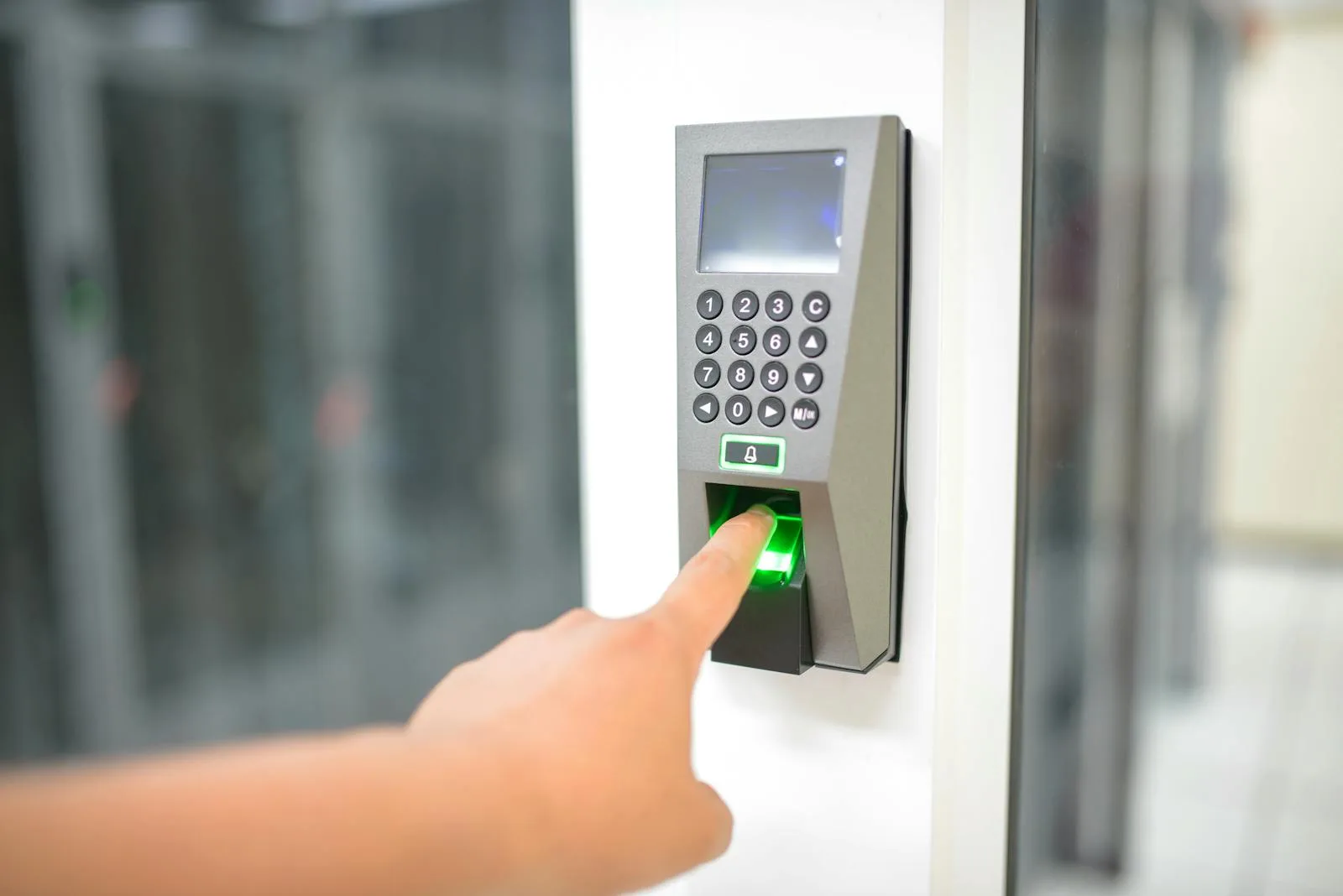
- 3 secondsVersus 69 for password plus MFA
- 99%Successfully register synced passkeys
- 95% vs 30%Sign-in success against legacy methods
- Phishing resistantOrigin-bound, cannot be replayed
Eight things about passkeys that decide how you should deploy them.
The numbers, which are unusually specific
Based on hundreds of millions of consumer Microsoft account users, Microsoft reports that ninety nine percent of users successfully register synced passkeys, that they are fourteen times faster than a password plus traditional multifactor combination at three seconds against sixty nine, and that users are three times more successful signing in than with legacy methods at ninety five percent against thirty. Very little in security improves both sides of the ledger like this.
Origin-bound, which is why phishing fails
Passkeys use origin-bound public key cryptography and require local user interaction, which Microsoft says makes them almost impossible to phish. The private key is on your device and the public key is with the site, and the key pair only works on the site or application it was created for. A convincing fake login page cannot use a passkey registered for the real one, no matter how good the fake is.
Verifier impersonation resistance, in plain terms
Microsoft describes this as ensuring the authenticator only releases secrets to the relying party the passkey was registered with, and not to an attacker pretending to be that party. That is the property that defeats the adversary-in-the-middle attacks which have made a great deal of traditional multifactor authentication far less effective than organisations believe it to be.
Device-bound and synced, and the difference matters
Device-bound passkeys have a private key created and stored on one physical device that never leaves it, with Microsoft Authenticator and FIDO2 security keys as the examples. Synced passkeys have the key encrypted locally then synced to a cloud passkey provider, with Apple iCloud Keychain and Google Password Manager named. Both are a significant upgrade over phishable methods. They suit different populations.
Attestation, the setting that forces the choice
Microsoft states plainly that synced passkeys do not support attestation, that attestation can be enforced at the passkey profile level, and that if attestation is enabled only device-bound passkeys are allowed with synced passkeys excluded. This is the single most consequential decision in a passkey deployment, because it determines whether your users can use the device unlock they already have.
Microsoft own guidance on who gets which
FIDO2 security keys are recommended for highly regulated industries or users with elevated privileges, with Microsoft noting they can increase costs for equipment, training and helpdesk support, particularly where users lose keys and need account recovery. For most users outside those environments, synced passkeys are described as a convenient, low-cost alternative to traditional multifactor authentication.
Cross-device sign-in without registering everywhere
A passkey can be used on the same device where it is stored, or cross-device via a QR code, or through a FIDO2 security key. That flexibility matters for shared devices, for people who work across a personal phone and a corporate laptop, and for the situations where a user needs to sign in on a machine that is not theirs.
Standards that are not Microsoft only
Passkeys follow FIDO2 standards using WebAuthn for browsers and the client to authenticator protocol for authenticator communication, and Microsoft describes them as interoperable standards developed by industry security experts. The practical consequence is that the same credential model works beyond Microsoft, which is not true of most authentication improvements.
Enforce attestation or allow synced passkeys. You cannot have both.
Microsoft is explicit: synced passkeys do not support attestation, and enabling attestation at the passkey profile level excludes them. Everything about your rollout follows from this one choice.
- Enforcing attestation gives you cryptographically verifiable device identity through the FIDO Metadata Service, letting you validate the authenticator model and apply policy for certified devices only. It also means every user needs a device-bound passkey, which in practice means a security key or Microsoft Authenticator, with the equipment, training and recovery cost that follows.
- Allowing synced passkeys gives you the ninety nine percent registration rate and the three second sign-in, because people use the face or fingerprint unlock their phone already has. You give up device provenance. Microsoft notes that unattested passkeys, including synced ones and unattested device-bound ones, do not provide device provenance.
- The answer for most organisations is both, applied to different populations. Attestation enforced for administrators, finance approvers and anyone in a highly regulated function. Synced passkeys for everybody else, because a control that ninety nine percent of people adopt beats a stronger control that half of them work around.
- This is a policy design problem rather than a technical one, and it is worth resolving before any pilot starts. Reversing it afterwards means re-registering people, which is where passkey rollouts lose the goodwill they need.
Four things that determine whether a passwordless rollout finishes.
We settle the attestation question before anything else
Enforcing attestation excludes synced passkeys entirely, which changes what every user needs and what every rollout costs. We decide this first, per population rather than for the whole organisation, because the right answer is usually attestation for administrators and privileged users and synced passkeys for everybody else.
We start with the population where the risk is highest
Administrators, finance approvers and anybody with access to systems that would matter if compromised. Microsoft recommends security keys for elevated privilege users, and this group is small enough that the equipment and training cost is manageable while the risk reduction is the largest available.
We design the recovery path before the pilot
Lost phones and lost security keys are not edge cases, they are Tuesday. Microsoft notes explicitly that security key loss increases helpdesk cost through account recovery. We define and test the recovery process, including a tested break-glass path for administrators, before anybody registers a credential rather than after the first lockout.
We find what will block you before you commit
Legacy applications, on-premises systems and third-party services that do not support modern authentication are almost always the reason a passwordless project stalls halfway. Identifying them at the start means the rollout is scoped to what can actually go passwordless, with a separate plan for the rest, rather than discovering the wall in month three.
Six UAE situations where passwordless is the right next move.
A regulated firm with privileged users to protect
Microsoft recommends FIDO2 security keys specifically for highly regulated industries and users with elevated privileges. For banks, finance companies, insurers and DIFC or ADGM entities, deploying attested device-bound passkeys to administrators and approvers is a targeted change with a small population and a large risk reduction.
An organisation that has already been phished successfully
Where multifactor authentication was in place and somebody got through anyway, the explanation is almost always a relay or adversary-in-the-middle attack. Passkeys are the answer to exactly that, because verifier impersonation resistance means the authenticator will not release secrets to a party pretending to be the real one.
A large frontline workforce with high password reset volume
Retail, hospitality, logistics and facilities staff who sign in infrequently, forget passwords constantly and generate a large share of helpdesk volume. The reported ninety five percent sign-in success rate against thirty percent for legacy methods is most valuable exactly here, where the current failure rate is highest.
An organisation where MFA fatigue prompting is a real risk
Repeated push notifications until somebody approves one is a technique that works, and it works because approval is a single tap divorced from context. A passkey requires the user to be present and to unlock the credential on the device they are signing in from, so there is no prompt to approve by accident or by exhaustion.
An estate with shared devices or people between machines
Shift workers, shared terminals and people who move between a personal phone and a corporate laptop. Cross-device sign-in via QR code means a credential does not have to be registered on every machine somebody might touch, which removes one of the practical objections to passwordless in an operational environment.
An organisation trying to reduce authentication friction
This is the rare security change that people ask for once they have used it. Three seconds against sixty nine is not a marginal improvement, and a ninety nine percent registration rate means the rollout does not turn into a chase. Where security has been a hard sell internally, this is the project that changes the reputation of the function.
How authentication actually works in most UAE organisations.
| Feature | Passkeys deployed | Password plus MFA | Password only |
|---|---|---|---|
Resistant to a convincing fake login page | Yes | No | No |
Resistant to relay and adversary in the middle | Yes | No | No |
Resistant to SMS interception | Yes | Depends | Not applicable |
Resistant to MFA fatigue prompting | Yes | Partly | Not applicable |
Typical sign-in time | 3 seconds | 69 seconds | Faster, and unsafe |
Reported sign-in success rate | 95% | 30% for legacy methods | Not comparable |
Password reset burden on the helpdesk | Reduced | Unchanged | High |
Device provenance available | With attestation | No | No |
Works across cloud and on-premises resources | Yes | Yes | Yes |
Frequency in the UAE market | Rare | Common | Still common |
Device-bound against synced, on the points that actually differ.
| Consideration | Device-bound | Synced | |
|---|---|---|---|
| Where the private key lives | One physical device, never leaves it | Encrypted locally, synced to a cloud provider | |
| Examples named by Microsoft | Microsoft Authenticator, FIDO2 security keys | Apple iCloud Keychain, Google Password Manager | |
| Supports attestation | Yes, where the authenticator is certified | No, stated explicitly | |
| Device provenance | Yes, when attested | No | |
| Microsoft recommends for | Highly regulated industries, elevated privilege users | Most users outside those environments | |
| Cost profile | Equipment, training and helpdesk, especially on lost keys | Described as a low-cost alternative | |
| Recovery when the device is lost | Account recovery process needed | Available on other devices with the provider | |
| Phishing resistance | Yes | Yes |
Five steps, and the policy decision comes before the pilot.
- 1
Decide the attestation policy, per population
Enforcing attestation at the passkey profile level excludes synced passkeys entirely, so this decision determines what every user needs. We split by population rather than deciding once: attested device-bound passkeys for administrators and elevated privilege users, synced passkeys for the general workforce.
- 2
Find the blockers
Legacy applications, on-premises systems and third-party services that cannot support modern authentication, plus any population without a suitable device. This is the step that sets realistic scope, and skipping it is the most common reason a passwordless project stalls at sixty percent and stays there.
- 3
Design and test recovery before registering anybody
Lost phone, lost security key, new starter, leaver, and a tested break-glass path for administrators. Microsoft notes that security key loss specifically increases helpdesk cost through account recovery, so the process needs to exist and needs to have been walked through by a real person.
- 4
Pilot with the privileged population
Small group, highest risk, most motivated, and the people most able to report a problem clearly rather than quietly working around it. This is where the equipment, the enrolment experience and the recovery process get tested against reality.
- 5
Roll out broadly, then reduce password reliance
Synced passkeys to the general population, where registration rates are high and the experience sells itself. Then the separate and slower project of reducing what passwords can still do, because removing the password entirely is a different piece of work from adding a better credential alongside it.
What organisations ask about passwordless and passkeys.
Fifteen questions worth answering first.
Policy
- Will you enforce attestation, and for whom?Enforcing it excludes synced passkeys entirely.
- Which populations need device-bound passkeys?Microsoft recommends them for elevated privilege users.
- Are you in a highly regulated function?That is Microsoft own trigger for security keys.
- Is there a policy on personal devices?Synced passkeys frequently live on a personal phone.
- Will passwords be removed or just deprioritised?Two very different projects.
Device reality
- What proportion of staff have a modern smartphone?Synced passkeys depend on it.
- Are your Windows devices on Windows 11?Relevant to sign-in scenarios and hybrid join.
- Are devices Entra joined or hybrid joined?Determines the single sign-on experience.
- Are there shared or kiosk devices?Cross-device sign-in via QR code helps here.
- Do you have an Apple and Android mix?Both have synced passkey providers.
The fallback path
- What happens when somebody loses their phone?Decide before rollout, not during.
- What is the helpdesk recovery process?Security key loss is more costly to recover.
- Is there a break-glass path for administrators?Tested, not assumed.
- Are legacy applications blocking the move?They usually are, and need identifying early.
- Who is in the pilot group?People who will report problems rather than work around them.
The pages around this one.
MFA solutions
The broader multifactor picture, including the methods passkeys are designed to replace and why they are no longer sufficient.
Conditional Access
The policy layer that decides when a phishing-resistant credential is required, and for whom.
Privileged Identity Management
The other half of protecting administrators: removing standing privilege as well as strengthening how they authenticate.
Start with your administrators. It is a small group and the largest risk reduction available.
Microsoft recommends device-bound credentials specifically for elevated privilege users, and that population is usually small enough to equip and train in a fortnight. Everybody else can follow with synced passkeys, where registration rates are high and the experience sells itself.
Related Services
Explore more solutions that work great with this service
Authentication Strengths
Not all MFA is equal, and policy can say so
Phishing-Resistant MFA
The three methods that actually resist relay attacks
Entra Verified ID
Portable credentials verified without calling you
Windows Hello for Business
Included from Windows Pro up, and almost nobody has deployed it
Apple Platform SSO
The Mac password and the company password, finally the same one
MFA Solutions
Entra MFA, passwordless, FIDO2
Entra Conditional Access
The control that decides who reaches your data
Privileged Identity Management
Just-in-time admin access, approval, and audit history you can download