Included with Windows Pro. Most organisations here are entitled to it and have never deployed it.
Microsoft lists Windows Pro, Enterprise, Pro Education and Education as supported editions, with entitlement granted by Windows Pro through to Enterprise E5. It replaces the password with a device-bound key protected by the security module plus a PIN or biometric, and the PIN never leaves the device.
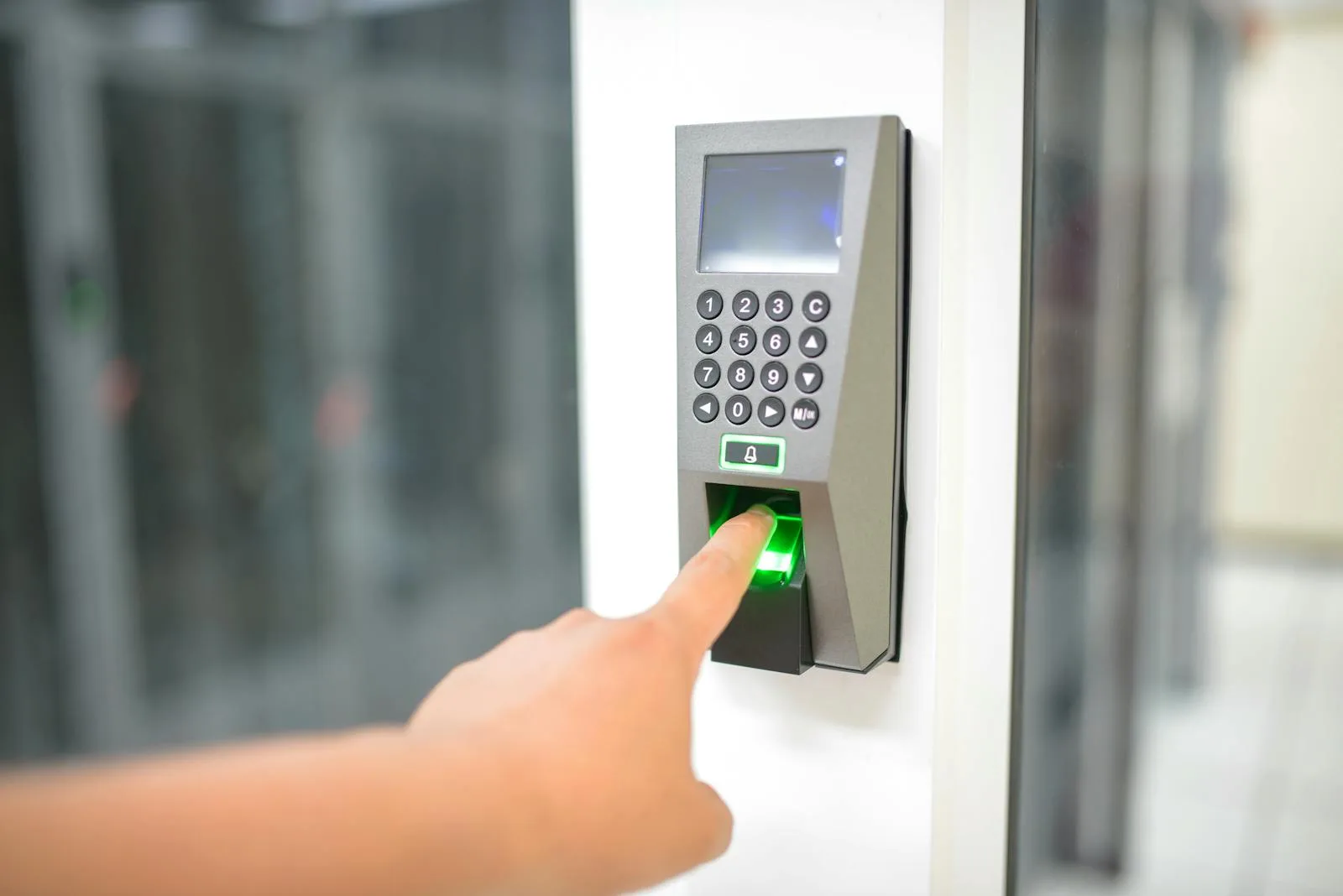
- Windows ProEntitlement starts there
- Two factorsA device-bound key and a PIN or biometric
- Never leavesThe PIN, and the biometric data
- TPM protectedCredentials generated in isolated environments
Two things people conflate, and the relationship is worth stating.
Windows Hello for Business and passkeys are both phishing-resistant and they solve different halves of the same problem.
- Windows Hello for Business is about signing in to the Windows device and to your organisation resources from it, using a credential bound to that machine and protected by its security module, unlocked with a PIN or biometric. It is the Windows sign-in experience.
- Passkeys in Microsoft Entra ID are about authenticating to your organisation identity across devices and services, built on FIDO2 with origin-bound cryptography. They cover a broader surface and are not tied to one machine.
- They overlap, and Microsoft notes that with FIDO and WebAuthn, Windows Hello can also be used to sign in to supported websites. Most organisations end up with both: Windows Hello for Business for the Windows fleet sign-in, and passkeys for identity more broadly.
- The practical sequencing question is which population and which surface hurts most. If password resets and Windows sign-in friction are the pain, start here. If phishing against your identity is the pain, start with passkeys. Both are usually already available on licensing you hold.
Eight things about Windows Hello for Business worth knowing before you deploy it.
It is included with Windows Pro
Microsoft published edition table lists Windows Pro, Windows Enterprise, Windows Pro Education and Windows Education as supporting Windows Hello for Business, and the entitlement table grants it through Windows Pro, Pro Education, Enterprise E3, Enterprise E5, Education A3 and Education A5. For most organisations in this market that means the capability is already paid for and simply not configured.
The two factors, and why a PIN is not a weak password
Microsoft describes the factors as something you have, being the user private key protected by the device security module, and something you know, being the PIN. The common objection that a four digit PIN is weaker than a password misses the point: the PIN never leaves the device, there is built-in brute force protection, and the PIN is useless without that specific machine.
No shared secret to steal from a server
Microsoft states that because there is no symmetric secret, it circumvents phishing and brute force attacks, and prevents server breaches and replay attacks, because the credentials are asymmetric and generated within isolated environments of trusted platform modules. That is a structurally different security position from a password, which exists in two places and can be stolen from either.
Three biometric methods, with real thresholds behind them
Facial recognition using infrared cameras that can reliably distinguish a photograph or scan from a living person, fingerprint recognition using a capacitive sensor, and iris recognition, which requires a HoloLens 2 device. Microsoft publishes acceptance thresholds, including a false accept rate below 0.001 percent for facial recognition, and requires anti-spoofing measures in all sensors.
Biometric data never leaves the machine
Microsoft states biometric data is stored securely on the local device only, does not roam, and is never sent to external devices or servers, and that because it is stored only on the device there is no single collection point an attacker could compromise to steal it. That is the answer to the privacy objection, and it is worth having ready because the objection always comes.
Key trust or certificate trust
Windows Hello uses key-based authentication. Windows Hello for Business uses key-based or certificate-based, and adds device attestation and Conditional Access policy support. Which trust model suits you depends on your identity infrastructure and any certificate authority you already run, and it is one of the two design decisions worth getting right before a rollout.
It does not work with Entra Domain Services
Microsoft states this plainly, and it is the sort of constraint that stops a project after the design is finished. Any organisation whose identity picture involves Microsoft Entra Domain Services should establish this before planning around Windows Hello for Business, because the answer is not a workaround, it is a different design.
Face recognition does not work with a mask
Microsoft states face authentication does not support wearing a mask during enrolment or authentication, and suggests a PIN or fingerprint where a working environment does not allow removing one temporarily. That matters in healthcare, laboratories, food handling, construction and any environment where face covering is routine, and it is a population decision rather than a policy exception.
Four things that decide whether this rollout is quiet.
We check entitlement first, because it is usually already there
Microsoft lists Windows Pro through to Enterprise E5 and the Education editions as granting entitlement, which covers most organisations in this market. Establishing that the capability is already paid for changes the conversation from a purchase to a configuration project, and it takes a few minutes to confirm.
We check the blockers before designing anything
Microsoft states Windows Hello for Business does not work with Microsoft Entra Domain Services. Devices without a trusted platform module, and populations with no biometric hardware, also change what is achievable. Establishing all three at the start prevents a design that assumes capability the estate does not have.
We answer the biometric privacy question before anybody asks it
Somebody always asks whether the company now has their fingerprint. The answer is specific and reassuring: Microsoft states biometric data is stored securely on the local device only, does not roam, and is never sent to external devices or servers, and that there is therefore no single collection point an attacker could compromise. Saying that in advance prevents the objection spreading.
We identify the populations that need a different answer
Face recognition does not support wearing a mask during enrolment or authentication, and Microsoft suggests a PIN or fingerprint where a working environment does not allow removing one. Healthcare, laboratories, food handling and construction all contain people this affects, and planning for them is better than discovering it through failed enrolments.
Six UAE situations where Windows sign-in is worth changing.
A helpdesk spending its week on password resets
The most measurable case. A credential unlocked by a PIN or a fingerprint that never leaves the device removes the forgotten password call almost entirely for the population that adopts it, and the entitlement is usually already held. Measuring the reset volume before starting is what turns this into a business case rather than a preference.
A regulated firm strengthening authentication across the estate
Where multifactor authentication is enforced for cloud services and the Windows login is still a password typed at a keyboard. Windows Hello for Business closes that gap with two factors, device attestation and Conditional Access policy support, which is a considerably better answer to an examiner than a password complexity rule.
An organisation already deploying passkeys
Where the identity side is moving to phishing-resistant credentials and the device sign-in should follow. Microsoft notes Windows Hello can also be used with FIDO and WebAuthn to sign in to supported websites, so the two approaches are complementary rather than competing, and most organisations end up running both.
A workforce with a genuine face covering requirement
Healthcare, laboratories, food handling and construction, where face authentication is not the answer because Microsoft states it does not support wearing a mask during enrolment or authentication. Fingerprint or PIN is the route for these populations, and identifying them in advance is what stops the rollout stalling on failed enrolments.
An education estate on Windows Education licensing
Microsoft lists Windows Pro Education, Windows Education, and the Education A3 and A5 entitlements as supporting Windows Hello for Business. For institutions with large device fleets and populations who forget passwords at scale, the capability is already licensed and the operational benefit is proportionate to the number of users.
An organisation deploying Personal Data Encryption
Because it depends on this. Personal Data Encryption on Windows 11 does not release its data encryption keys until the user signs in with Windows Hello for Business, unlike BitLocker which releases keys at boot. If file-level protection on a running machine is the goal, Windows Hello for Business is the prerequisite rather than an option.
How people actually sign in to Windows in UAE organisations.
| Feature | Hello for Business deployed | Users enabled Hello themselves | Passwords |
|---|---|---|---|
Credential bound to the device security module | Yes | Varies | No |
No shared secret stored on a server | Yes | Partly | No |
Resistant to phishing and replay | Yes | Partly | No |
Certificate-based option available | Yes | No | Not applicable |
Device attestation available | Yes | No | Not applicable |
Conditional Access can consume it | Yes | No | Not applicable |
Centrally managed policy | Yes | No | Partly |
Biometric data confined to the device | Yes | Yes | Not applicable |
Password reset calls | Reduced | Unchanged | Routine |
Frequency in the UAE market | Uncommon | Common | Common |
What the enterprise extension actually adds.
| Aspect | Windows Hello | Windows Hello for Business | |
|---|---|---|---|
| Authenticates to | A Microsoft account, and FIDO v2.0 identity providers | A Microsoft Entra ID account, an Active Directory account, and FIDO v2.0 providers | |
| Credential type | Key-based | Key-based or certificate-based | |
| Device attestation | Not part of the base capability | Included in the enterprise extension | |
| Conditional Access policy support | Not part of the base capability | Included in the enterprise extension | |
| Centrally managed policy settings | No | Yes, deployed to devices | |
| With a local account | Convenient, not backed by an asymmetric key pair | Not the intended model | |
| Website sign-in | Supported through FIDO and WebAuthn | Supported through FIDO and WebAuthn |
Five steps, and two of them are about people rather than devices.
- 1
Confirm entitlement, hardware and blockers
Which Windows edition the fleet runs, whether devices have a trusted platform module and what biometric hardware exists, and whether Microsoft Entra Domain Services is anywhere in your identity picture, since Microsoft states Windows Hello for Business does not work with it. Those three answers define what is achievable.
- 2
Choose the trust model and the policy design
Key trust or certificate trust, depending on your identity infrastructure and whether you run a certificate authority, plus PIN requirements, whether biometrics are encouraged or required, and whether Conditional Access should consume the result. These are the decisions that are awkward to change once devices have enrolled.
- 3
Identify the populations needing a different route
People working with face coverings, devices without biometric hardware, shared machines, and anybody whose device does not meet the requirements. Each needs a defined path rather than an exception discovered at enrolment, and in most organisations these groups are smaller than feared but never empty.
- 4
Communicate the privacy answer before enrolment starts
Because somebody will ask whether the company now holds their fingerprint. The answer is that biometric data is stored securely on the local device only, does not roam and is never sent to external devices or servers. Saying it once, in advance and in writing, prevents the question becoming a rumour.
- 5
Pilot, then roll out by population
Starting with a group that has the right hardware and will report problems clearly, through a full cycle including a device failure and a recovery, then widening. The measure worth tracking afterwards is password reset volume, because that is the number that made the case in the first place.
What organisations ask about Windows Hello for Business.
Fifteen questions worth answering first.
Entitlement and hardware
- Which Windows edition is your fleet on?Pro and above are listed as supporting it.
- Do devices have a trusted platform module?Credentials are generated in the module.
- Do they have infrared cameras or fingerprint readers?That decides which biometrics are available.
- Is Microsoft Entra Domain Services in your identity picture?Microsoft states it does not work with it.
- Are devices Entra joined, hybrid joined or domain joined?It determines the deployment model.
Design
- Key trust or certificate trust?Both are supported and they suit different estates.
- Do you already run a certificate authority?Relevant to the trust model decision.
- Should Conditional Access consume this?Policy support is part of the business extension.
- What PIN complexity will you require?Balanced against the brute force protection already present.
- Are biometrics mandatory or optional?Users can always fall back to a PIN.
Populations needing care
- Does anybody work with a face covering?Face recognition does not support a mask.
- Are there shared devices?The credential is bound to the device and the user.
- Do any users have no biometric hardware?A PIN still works, and the experience differs.
- What is the recovery path if a device fails?Worth defining before rollout, not during.
- Has the privacy question been answered in advance?Biometric data never leaves the device.
The pages around this one.
Passwordless and passkeys
The identity side of phishing-resistant authentication, and how it complements Windows sign-in rather than replacing it.
BitLocker management
Where Personal Data Encryption sits, and why it depends on Windows Hello for Business to release its keys.
Conditional Access
The policy layer that can consume the sign-in strength this provides, rather than treating all logins alike.
Check your Windows edition, then your password reset volume.
The first tells you whether you are already entitled, which for Windows Pro and above you are. The second tells you what the deployment would save. Between them they usually make the case without anybody needing to argue for it.
Related Services
Explore more solutions that work great with this service
Phishing-Resistant MFA
The three methods that actually resist relay attacks
Passwordless and Passkeys
Three seconds instead of sixty nine, and it cannot be phished
BitLocker Management
Silent encryption, recovery key escrow, and the assessment first
Entra Conditional Access
The control that decides who reaches your data
MFA Solutions
Entra MFA, passwordless, FIDO2
Microsoft Intune
Device management and endpoint security
Microsoft Entra
Identity and access management solutions
Endpoint Security
Defender for Endpoint and Intune managed